They live
in your notch.
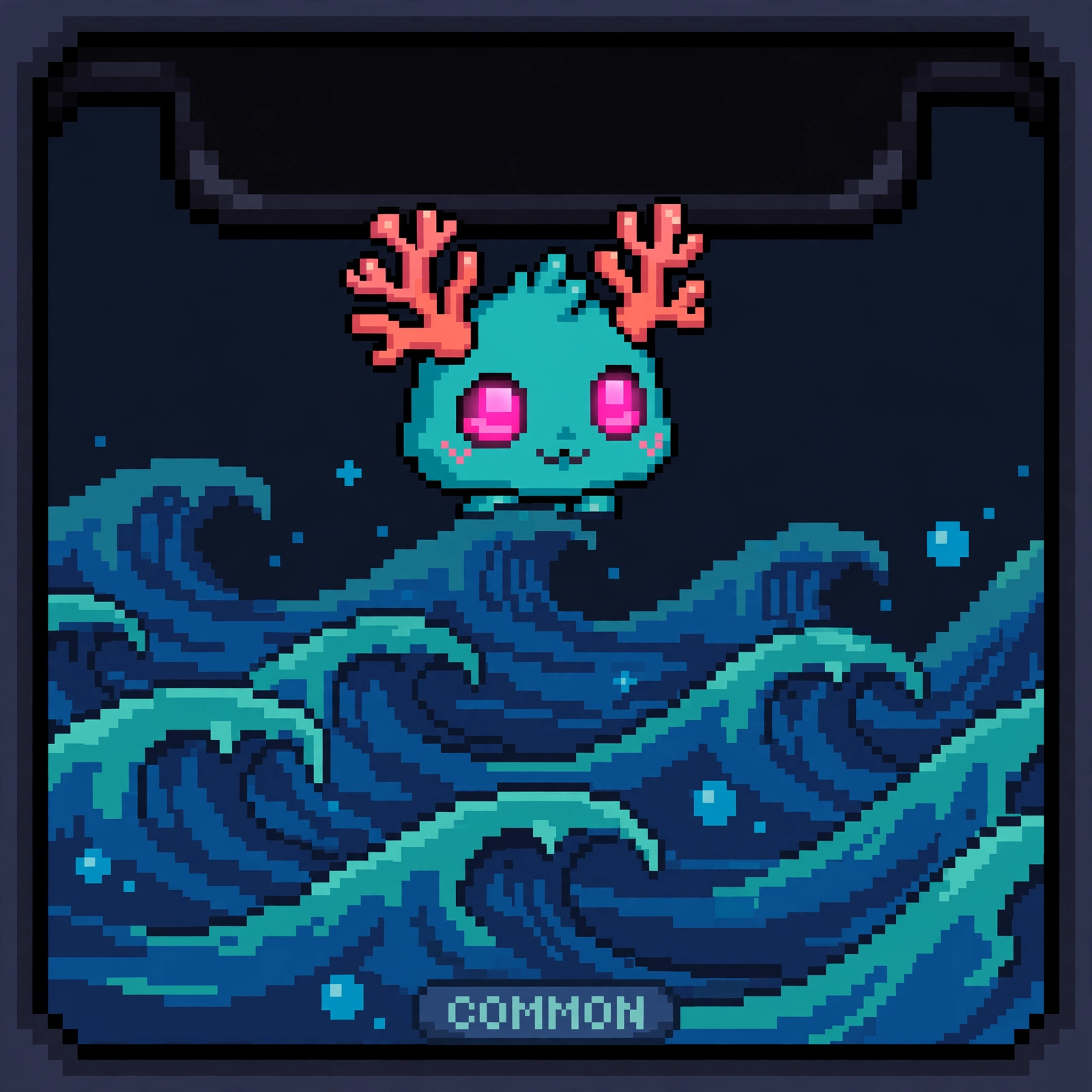
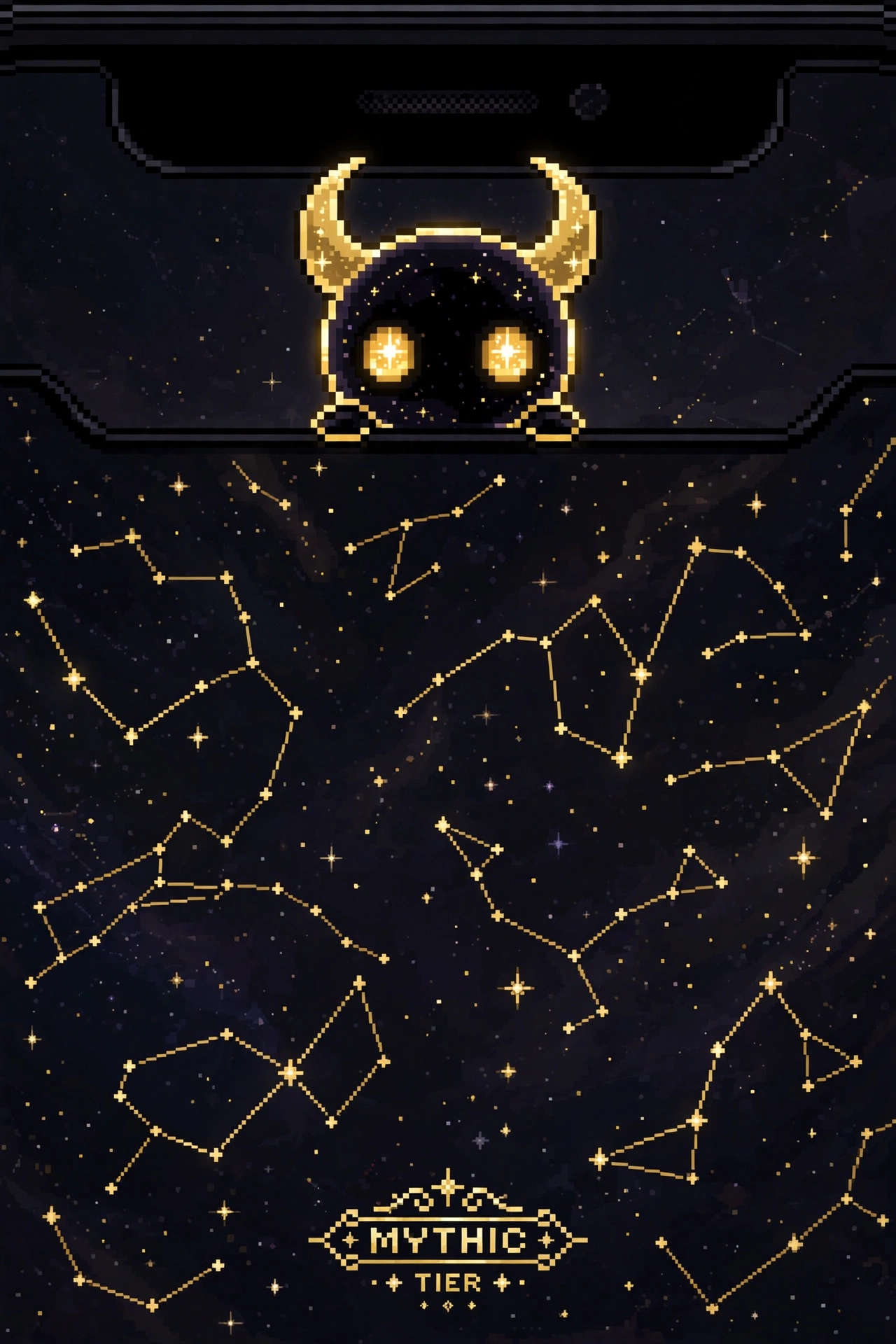
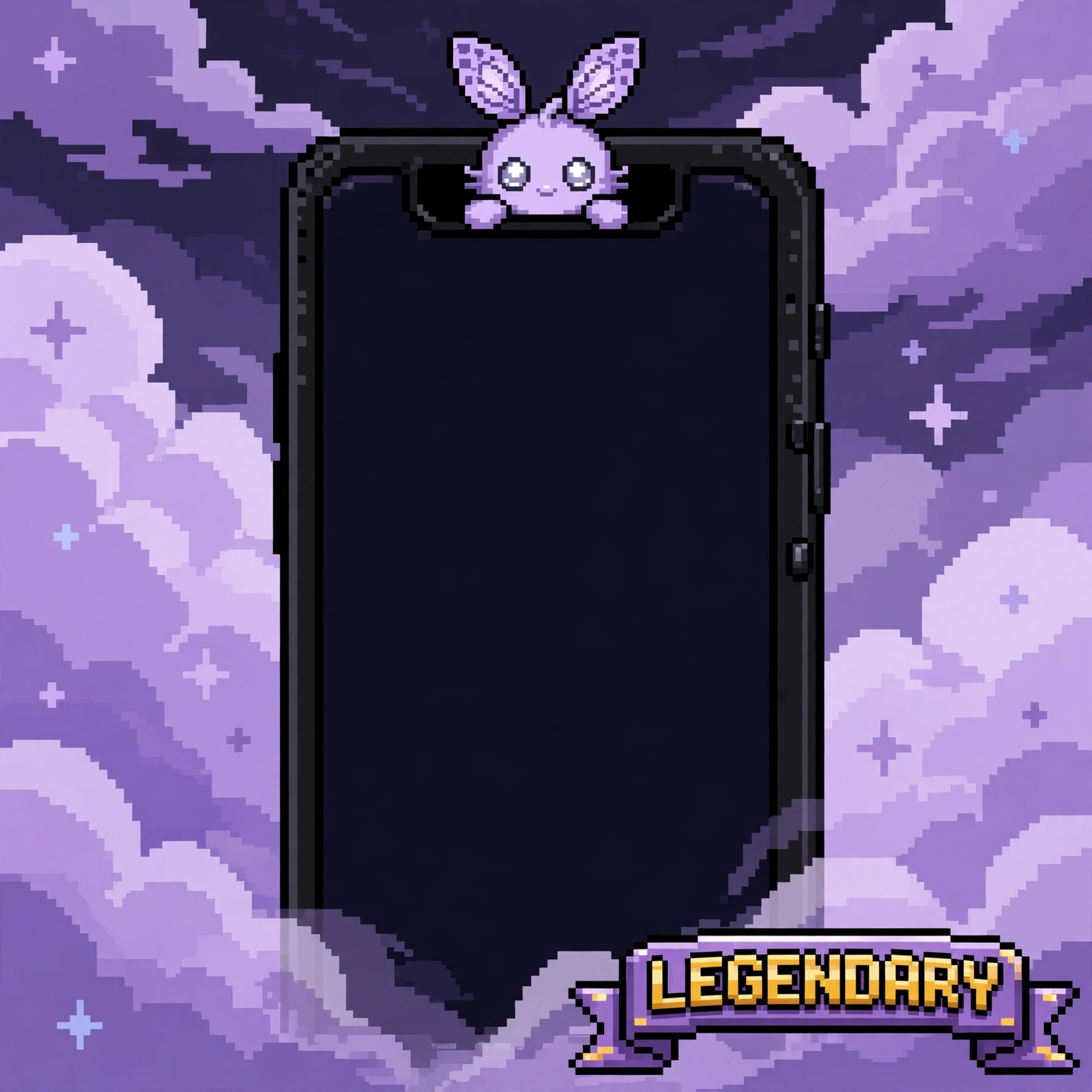
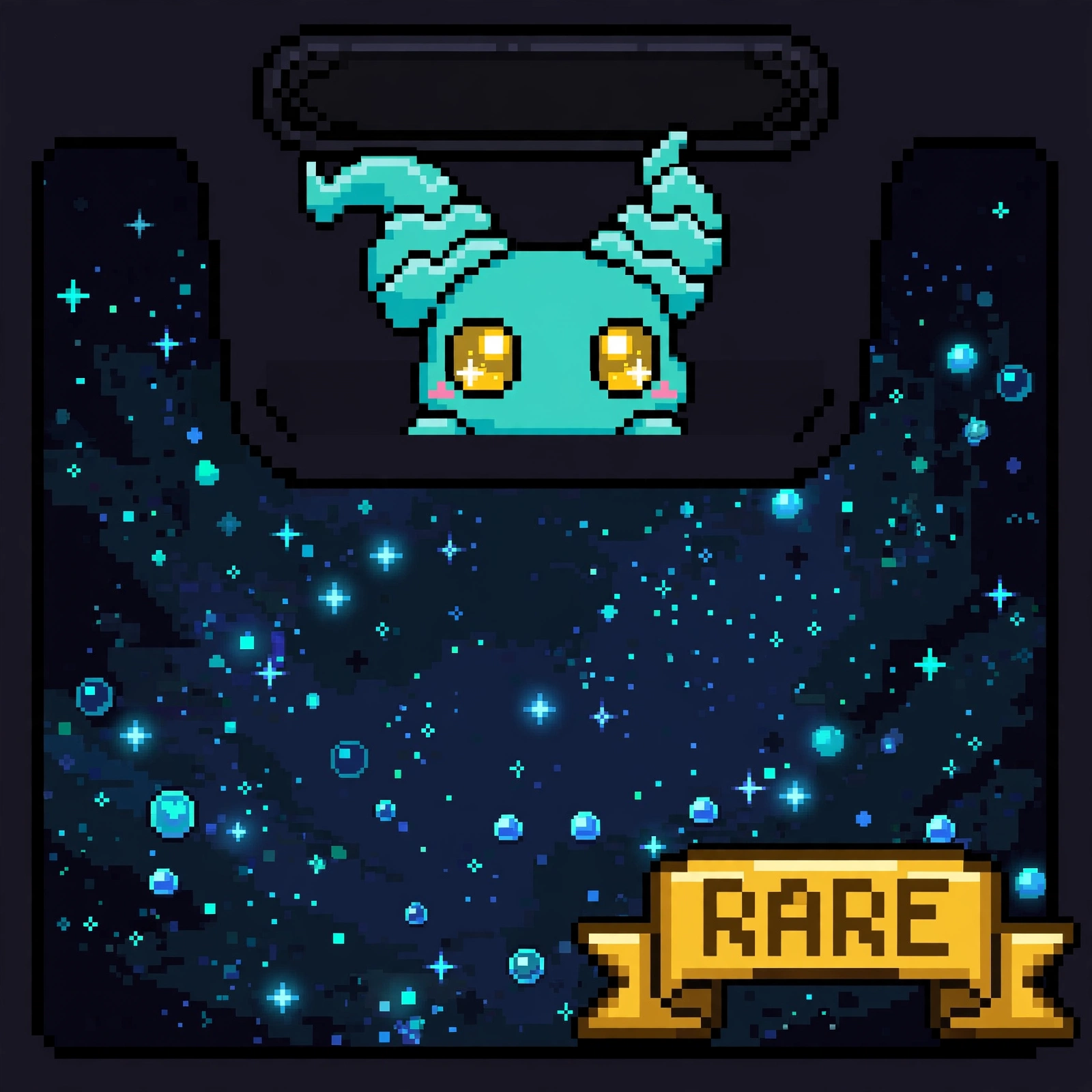
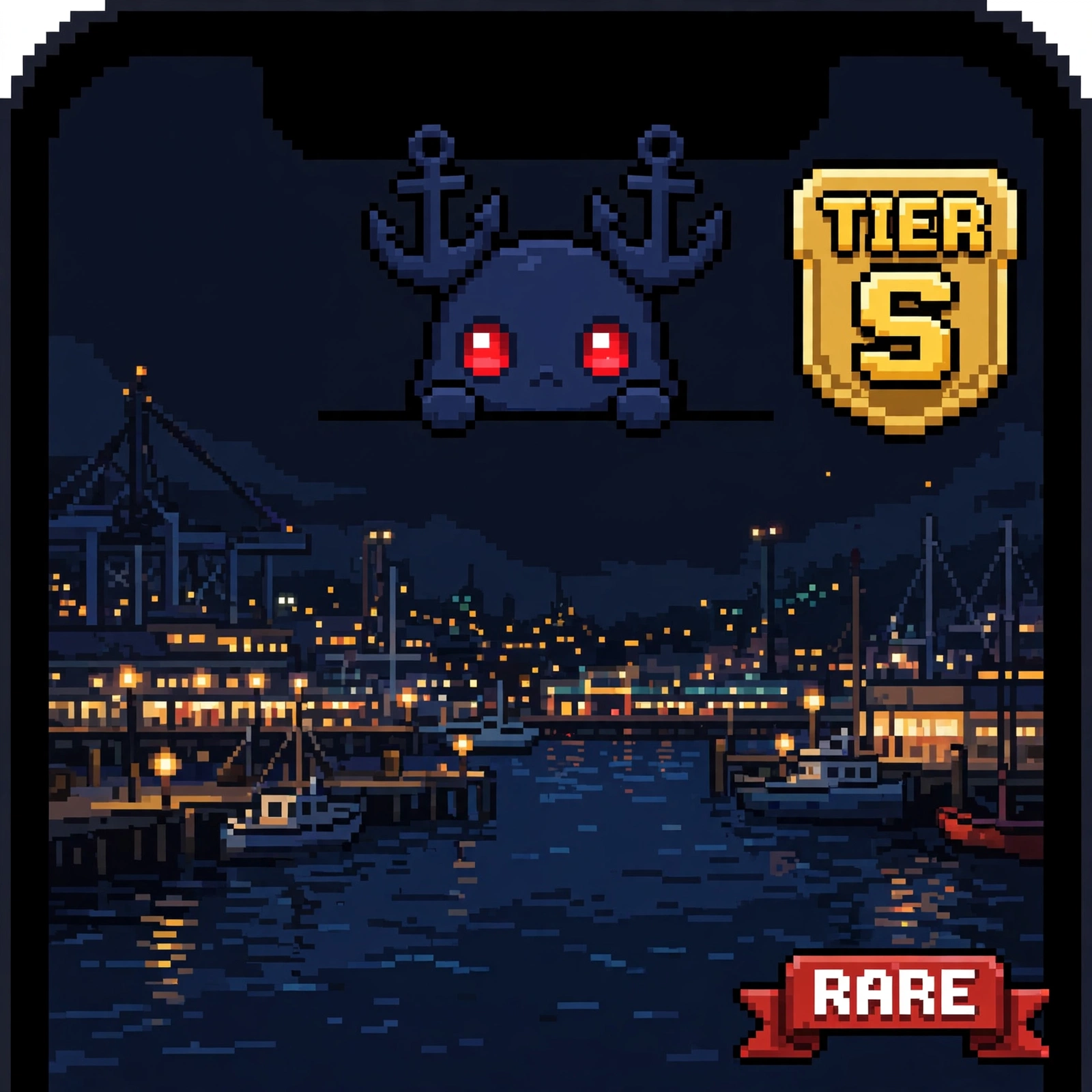
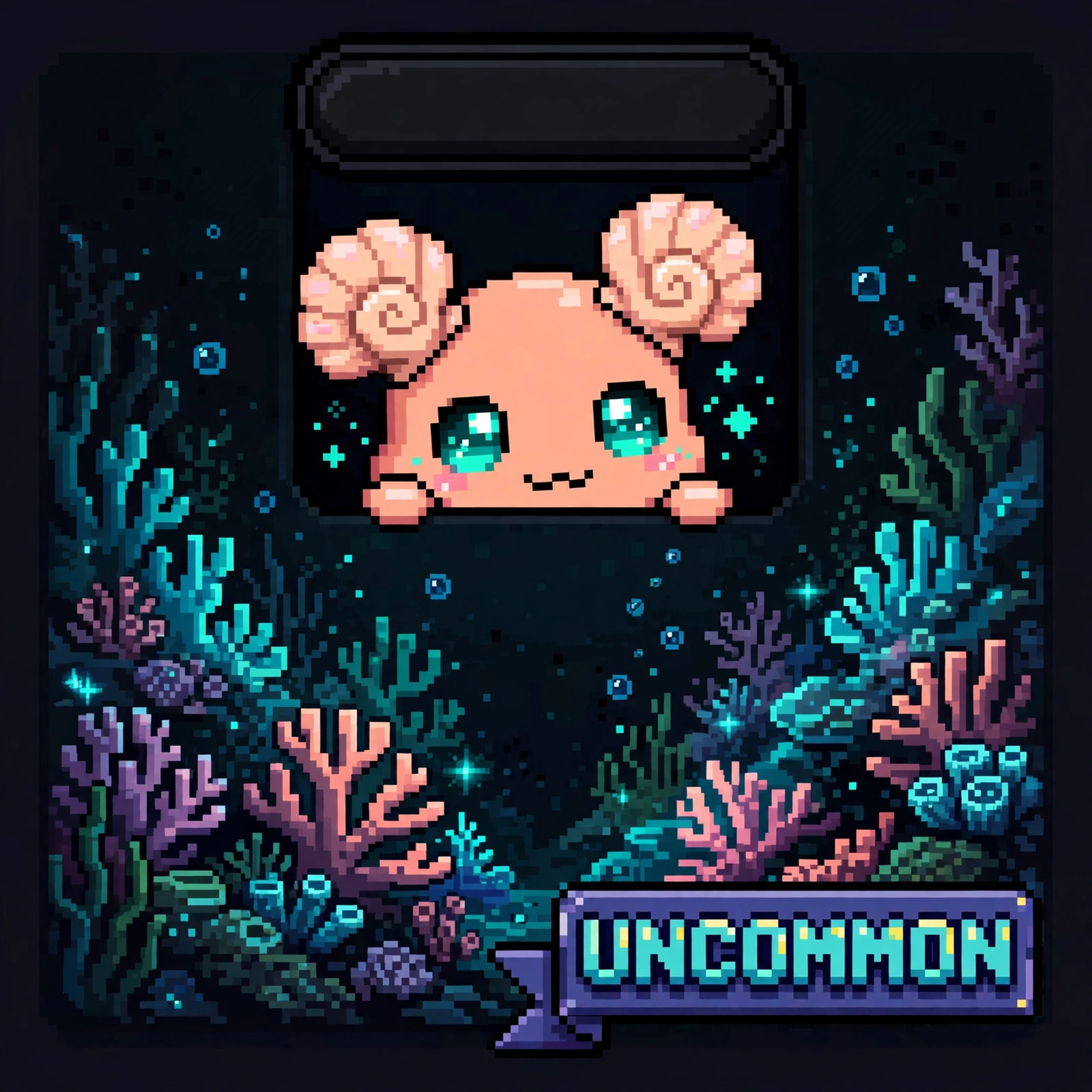
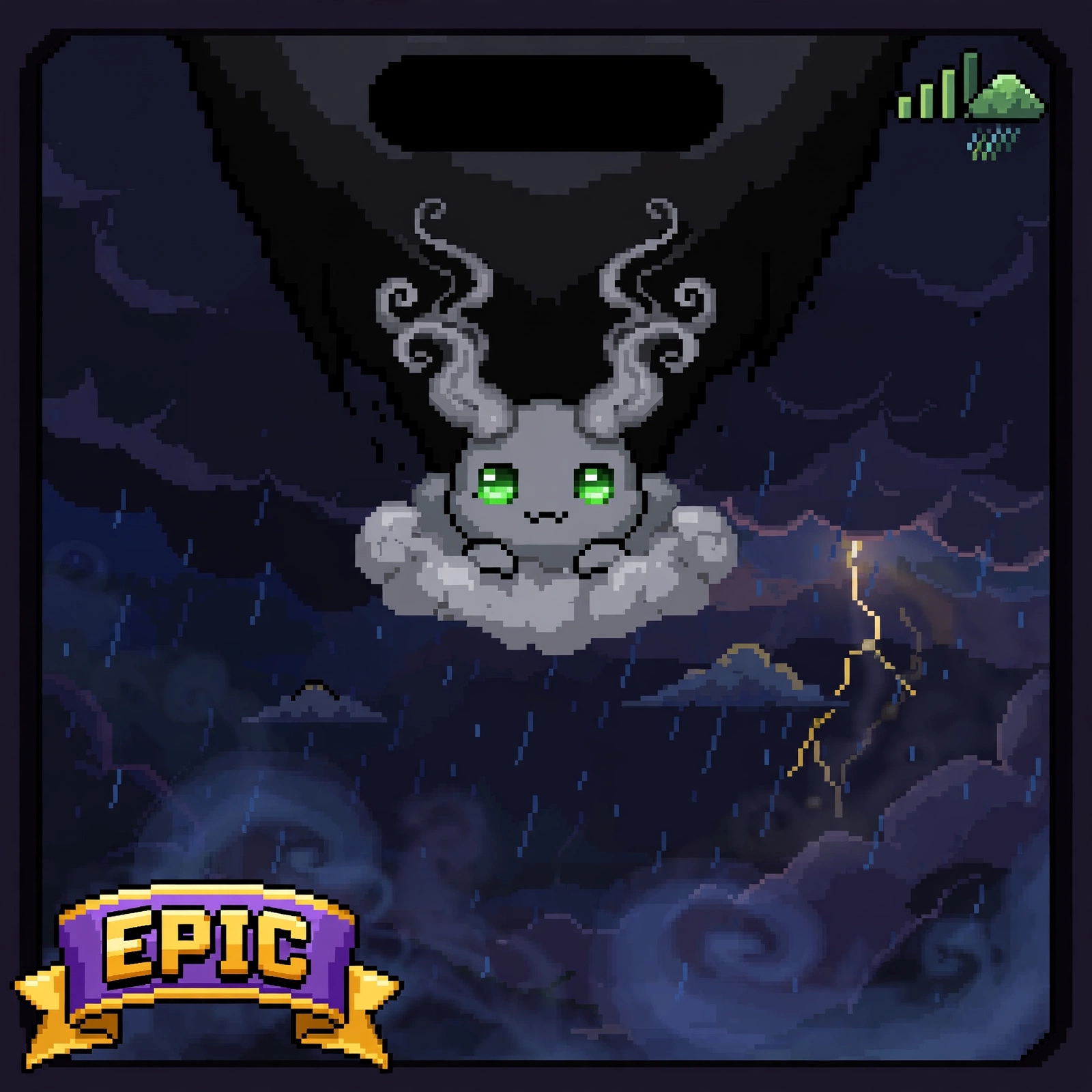
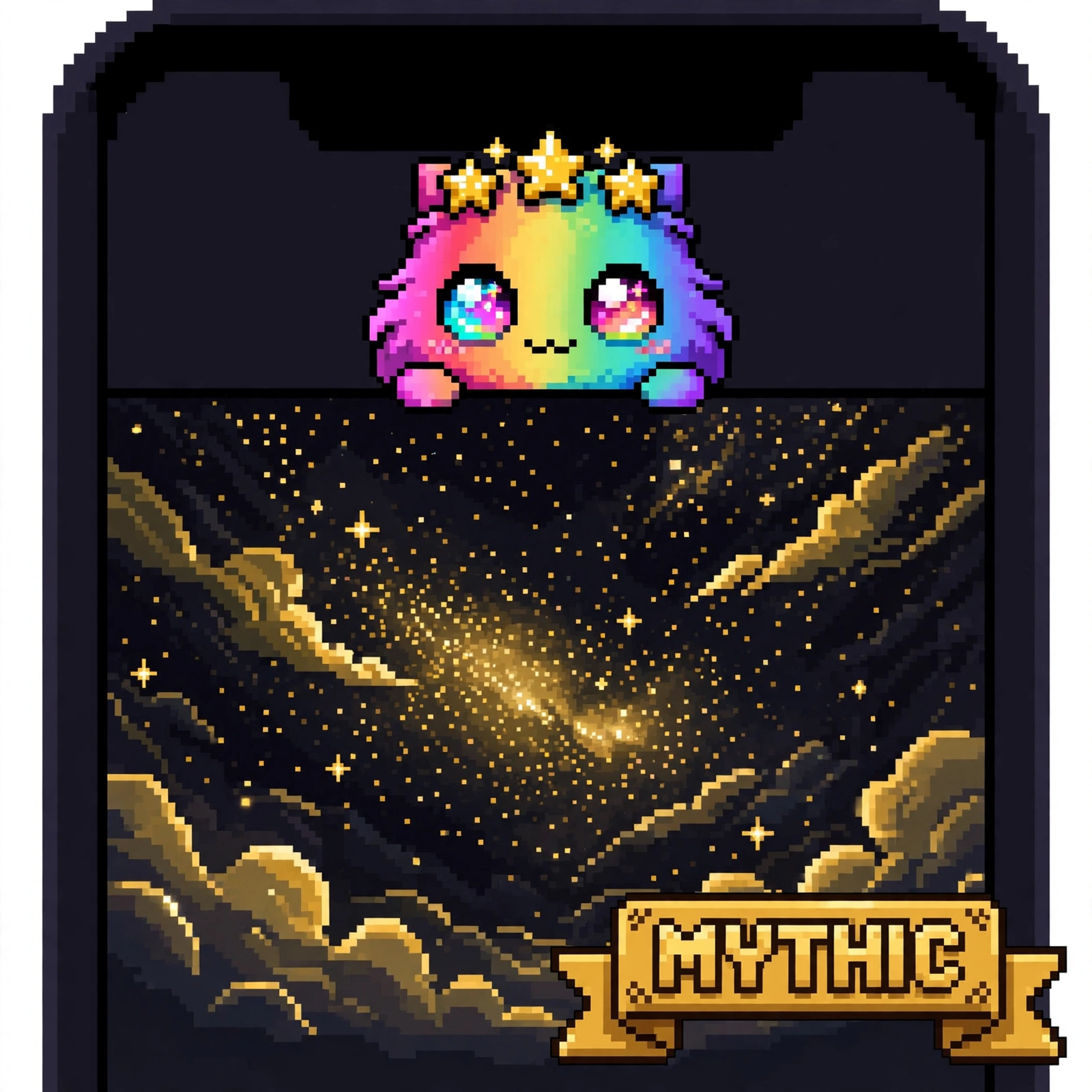
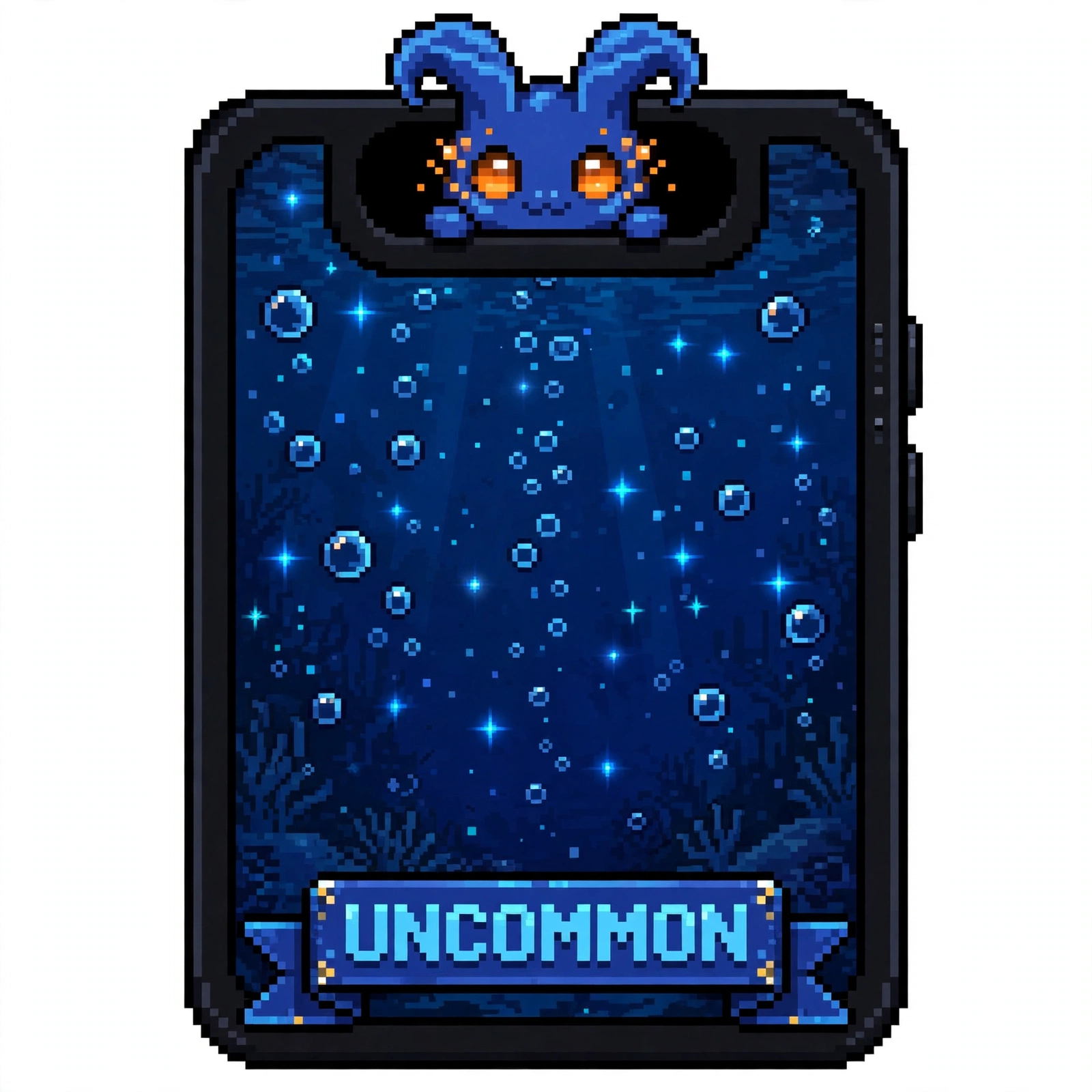
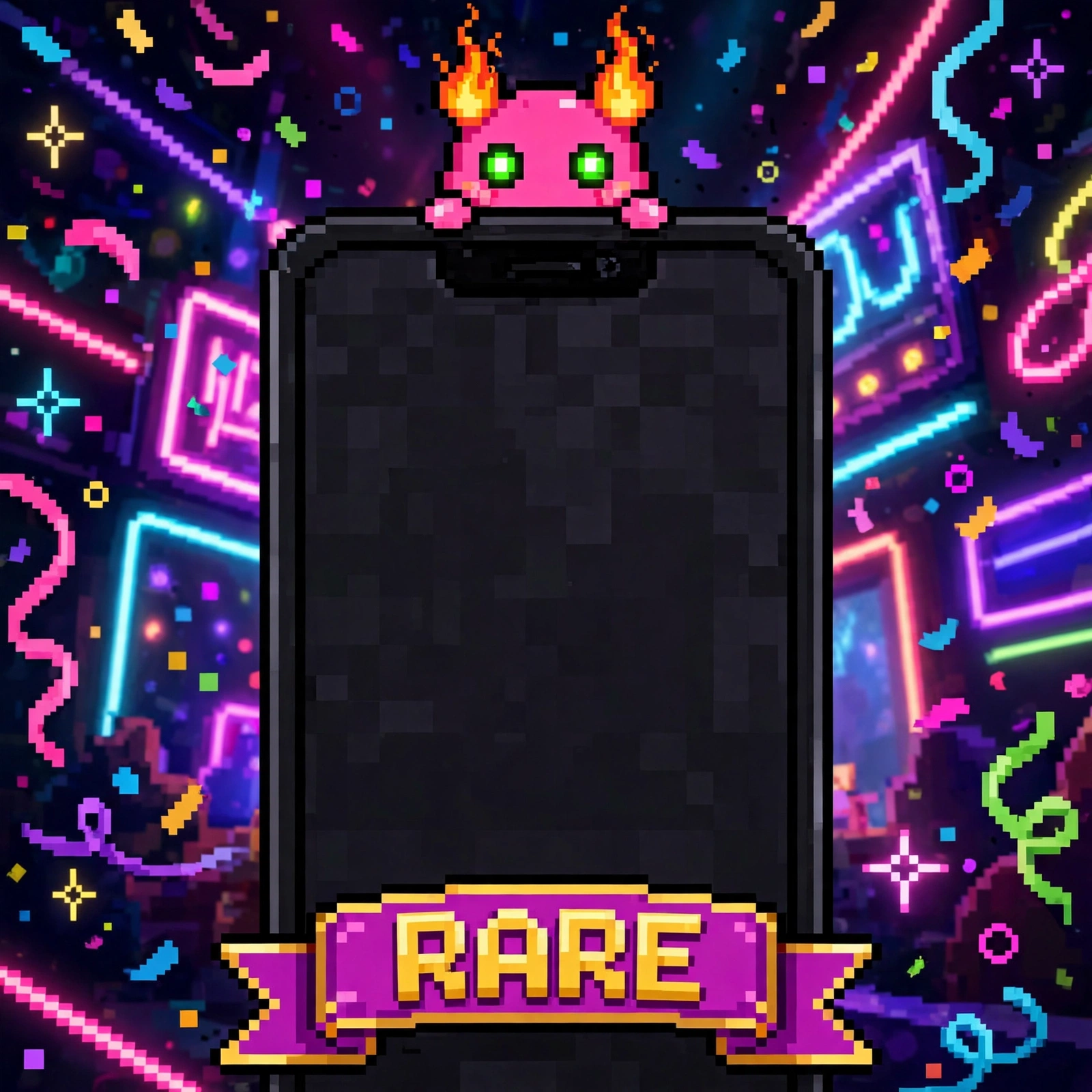
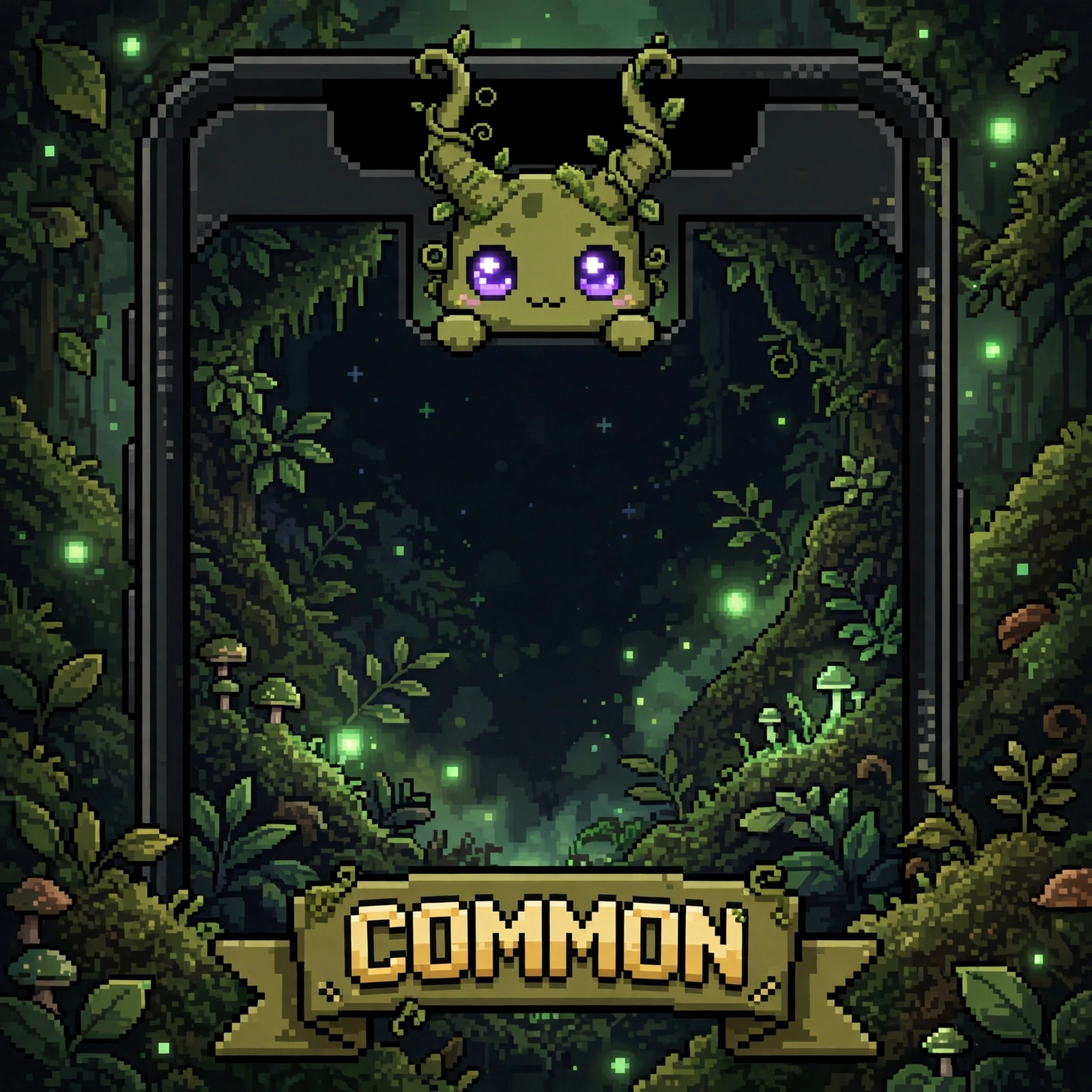
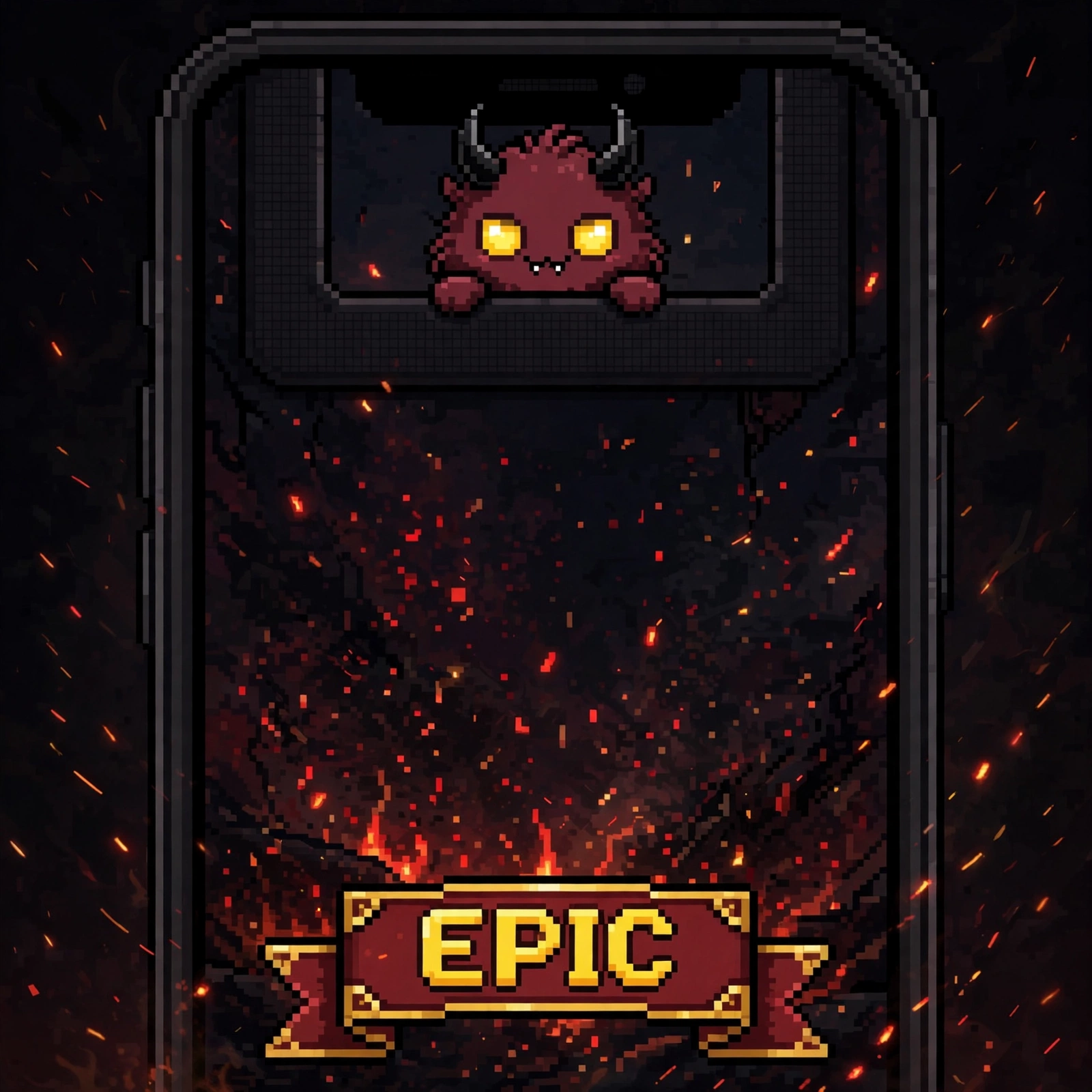
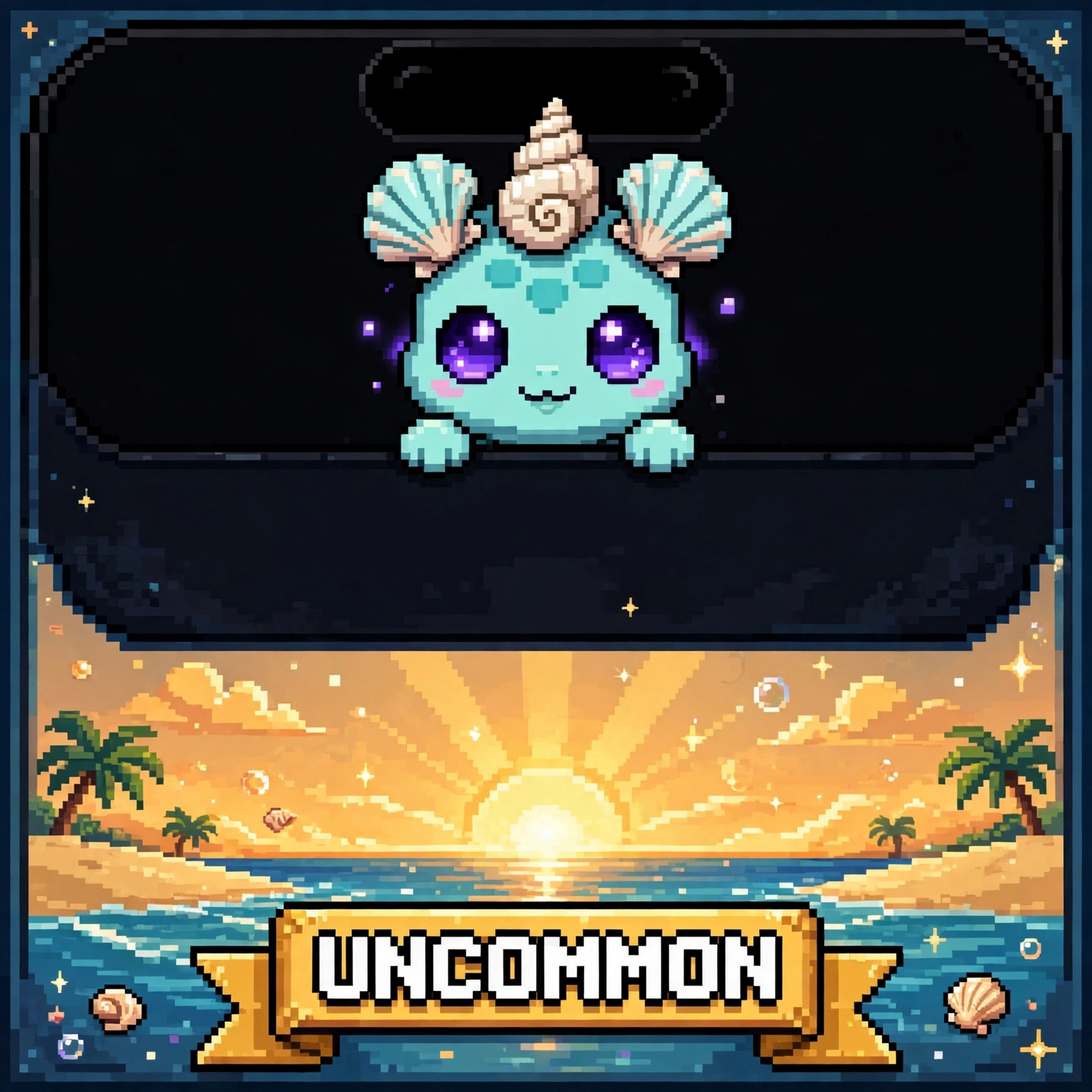
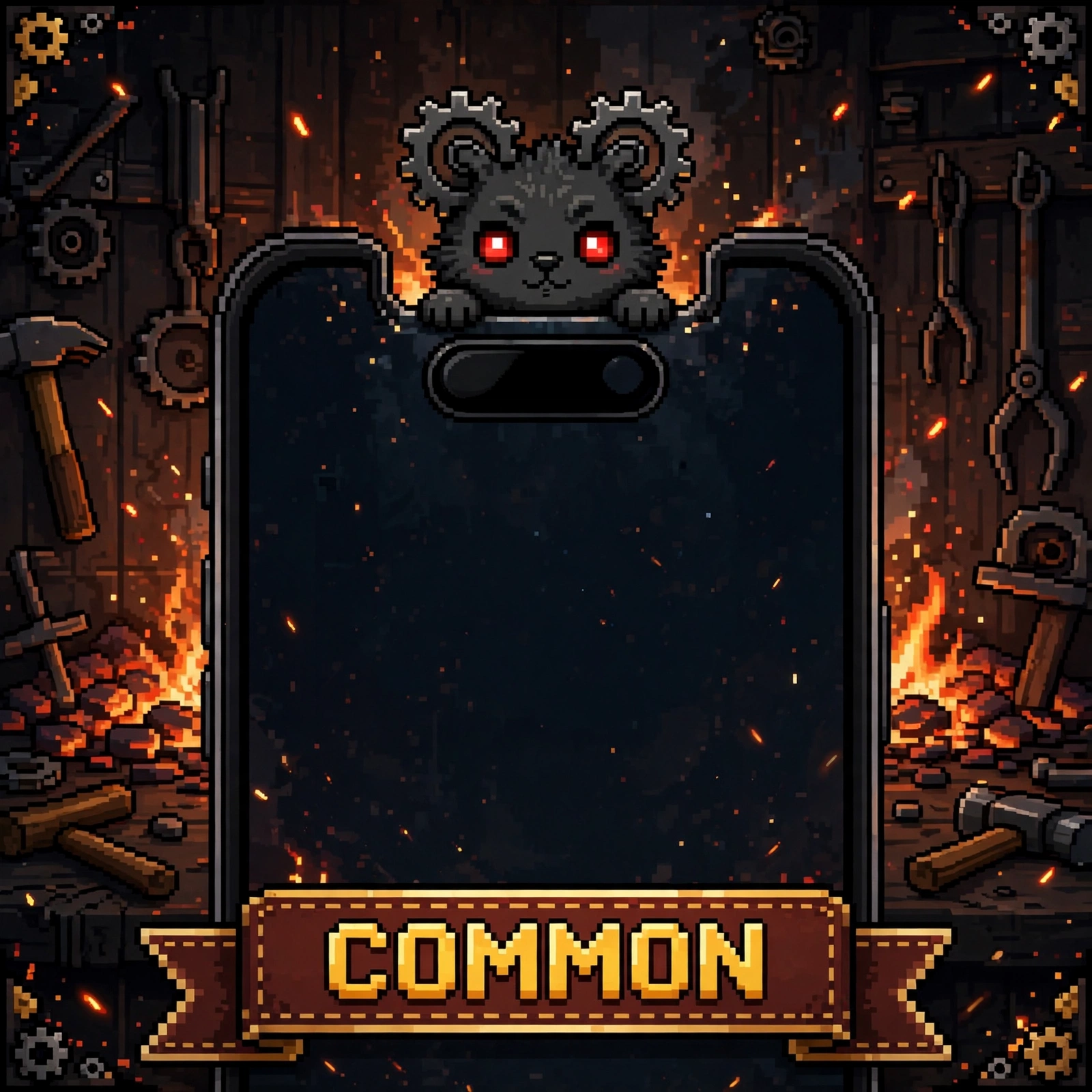
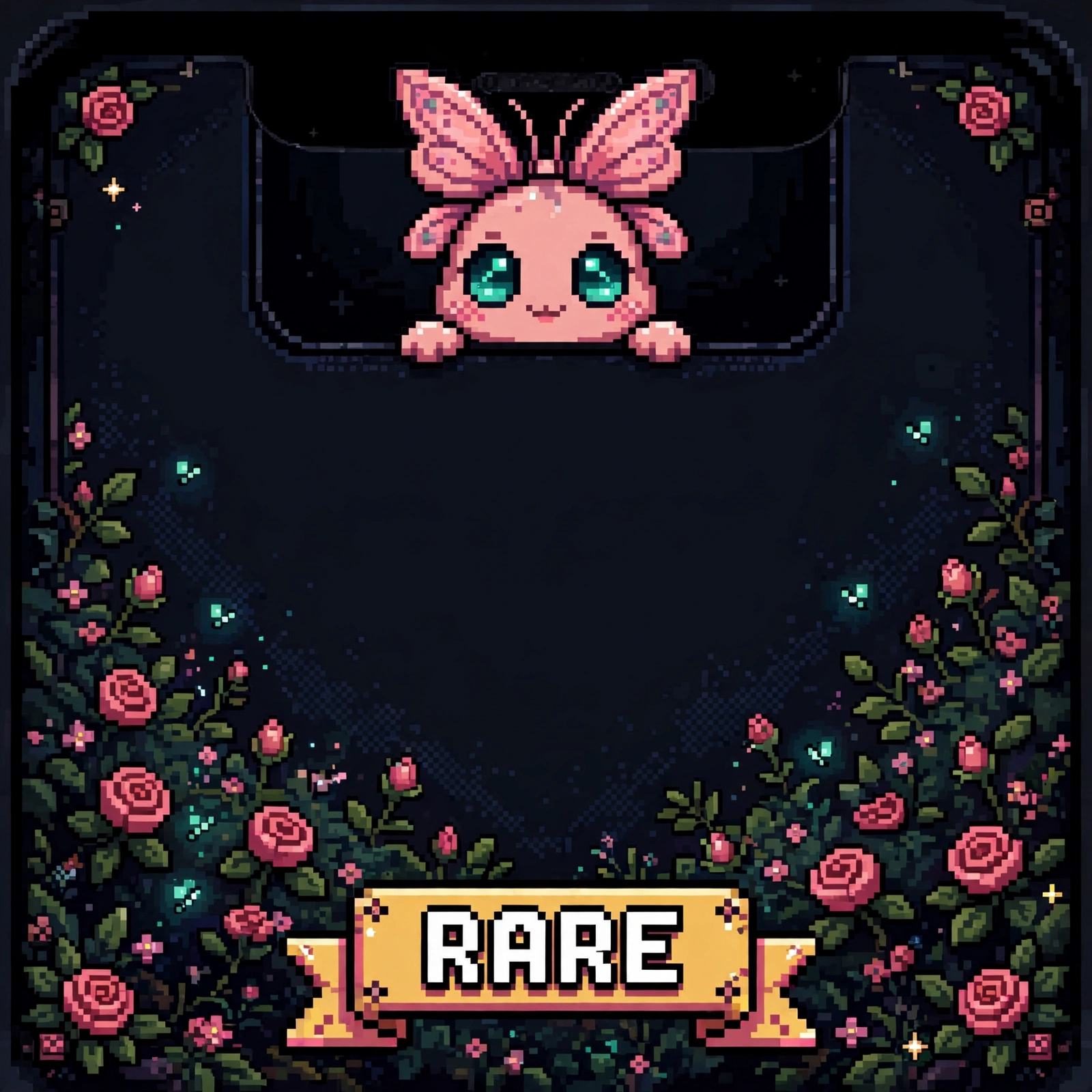
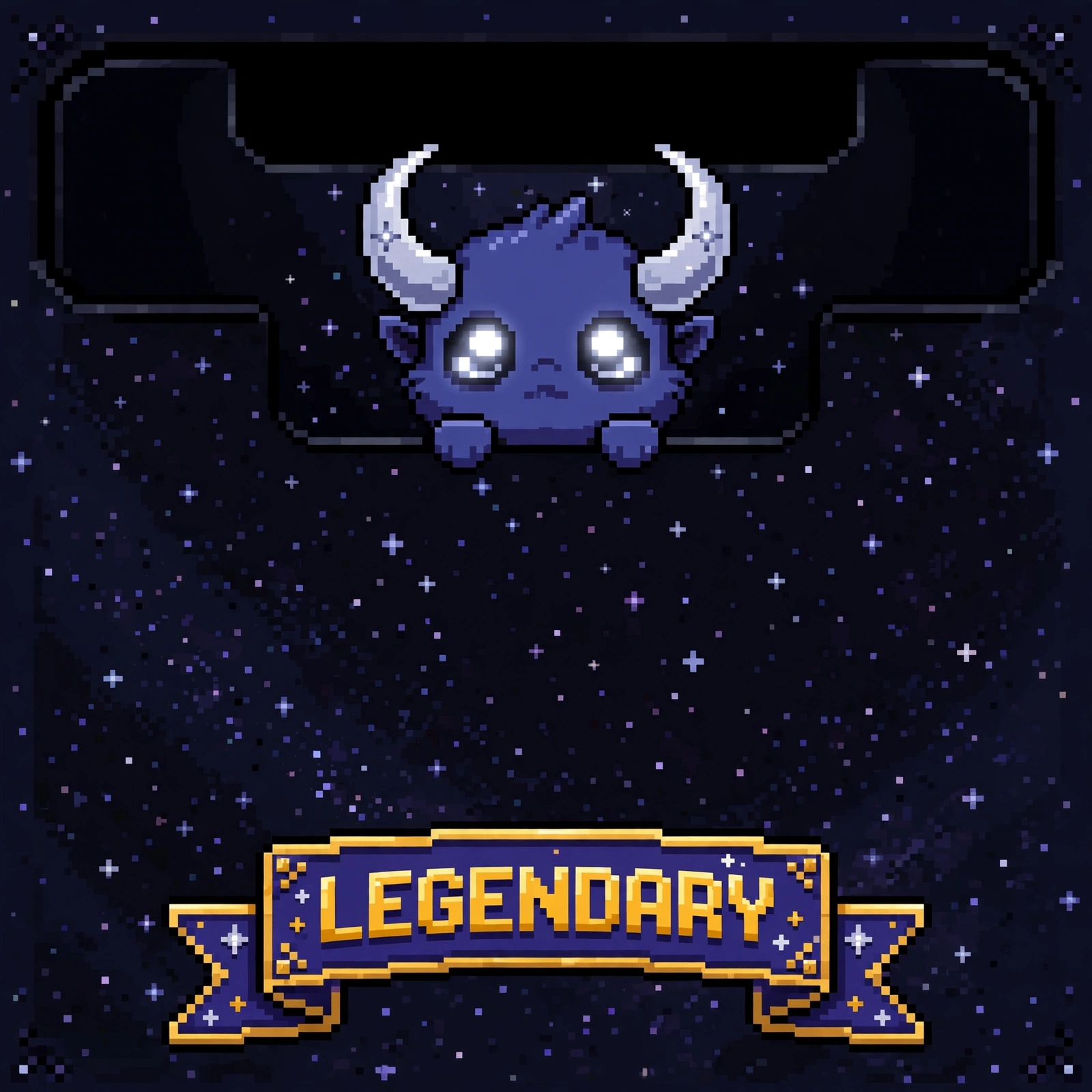
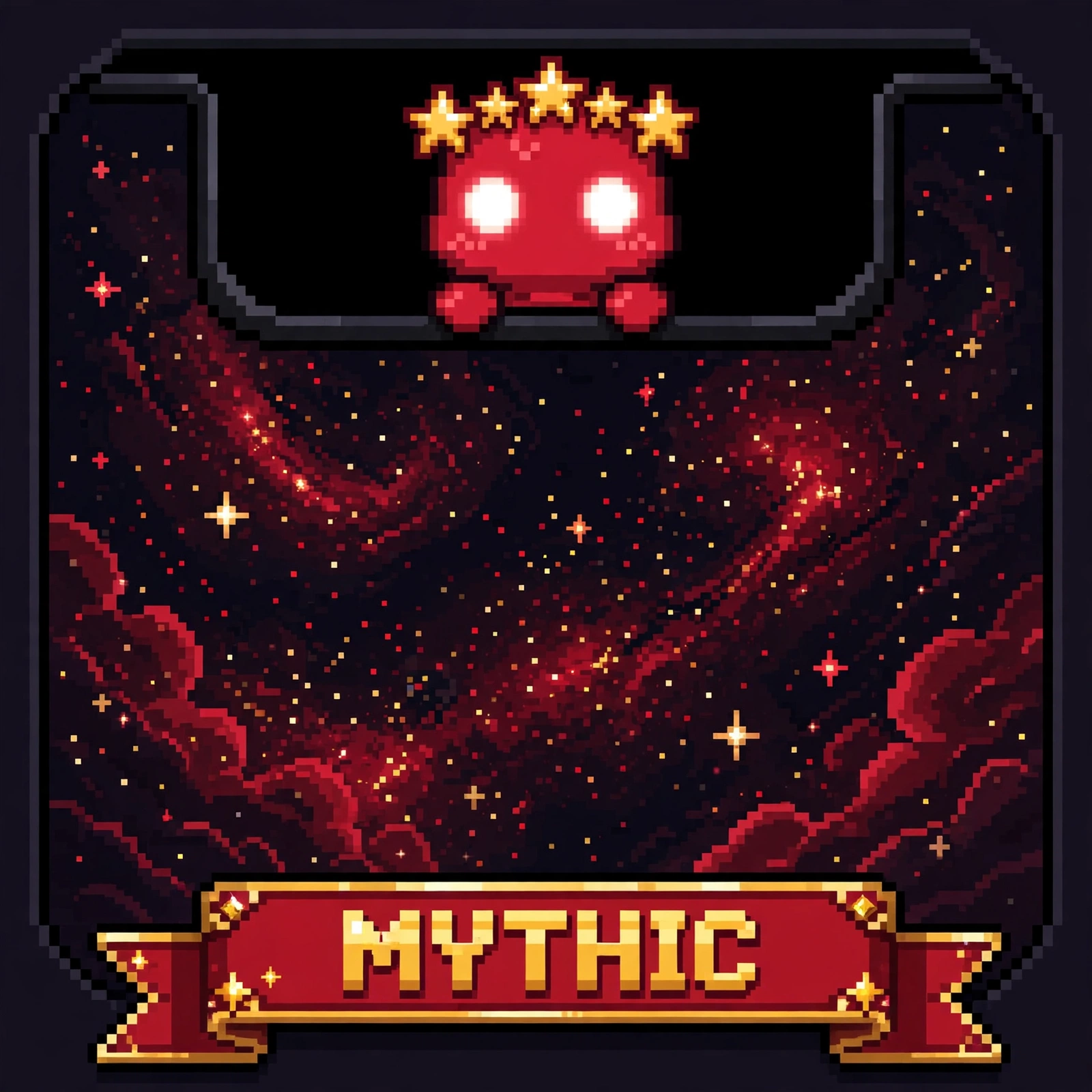
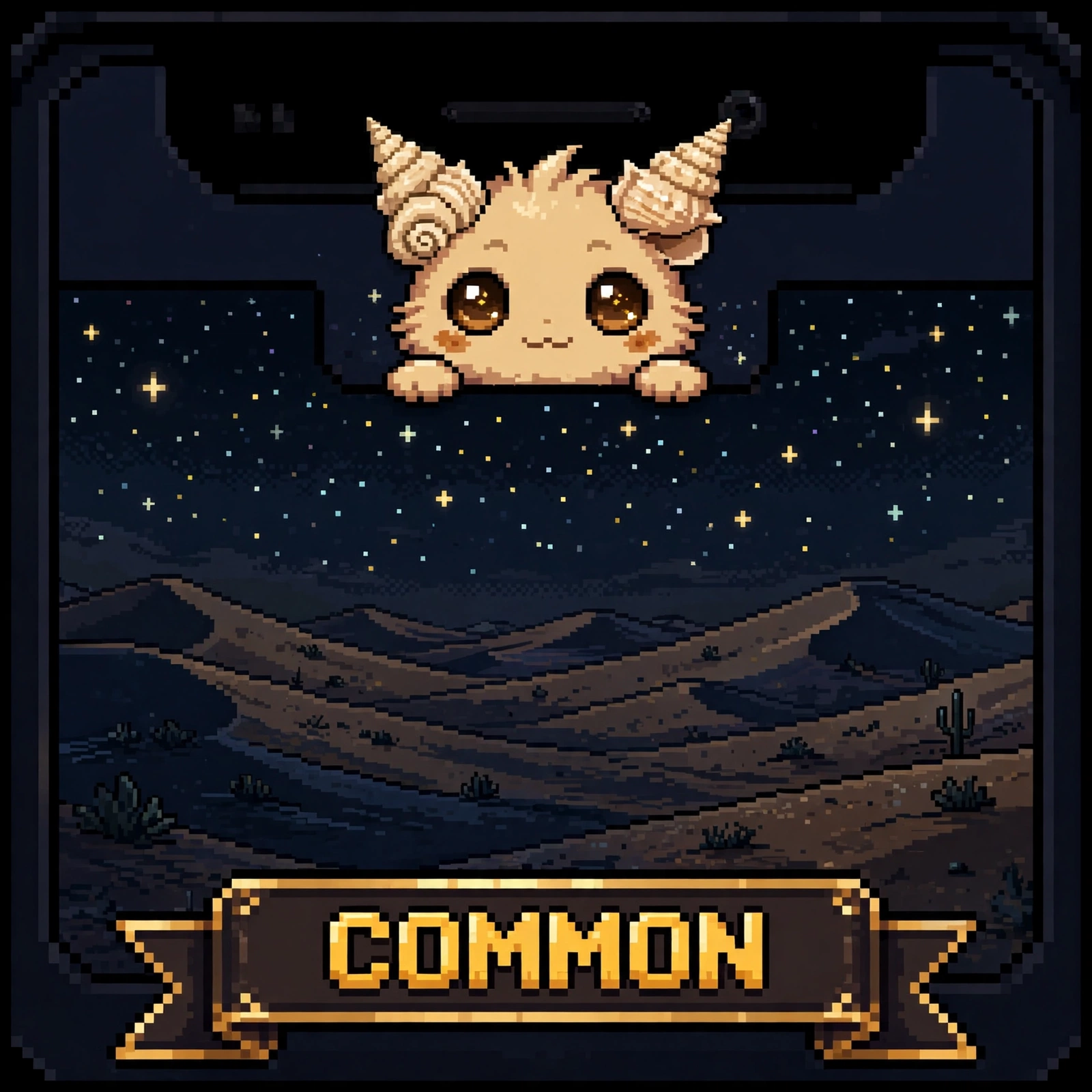
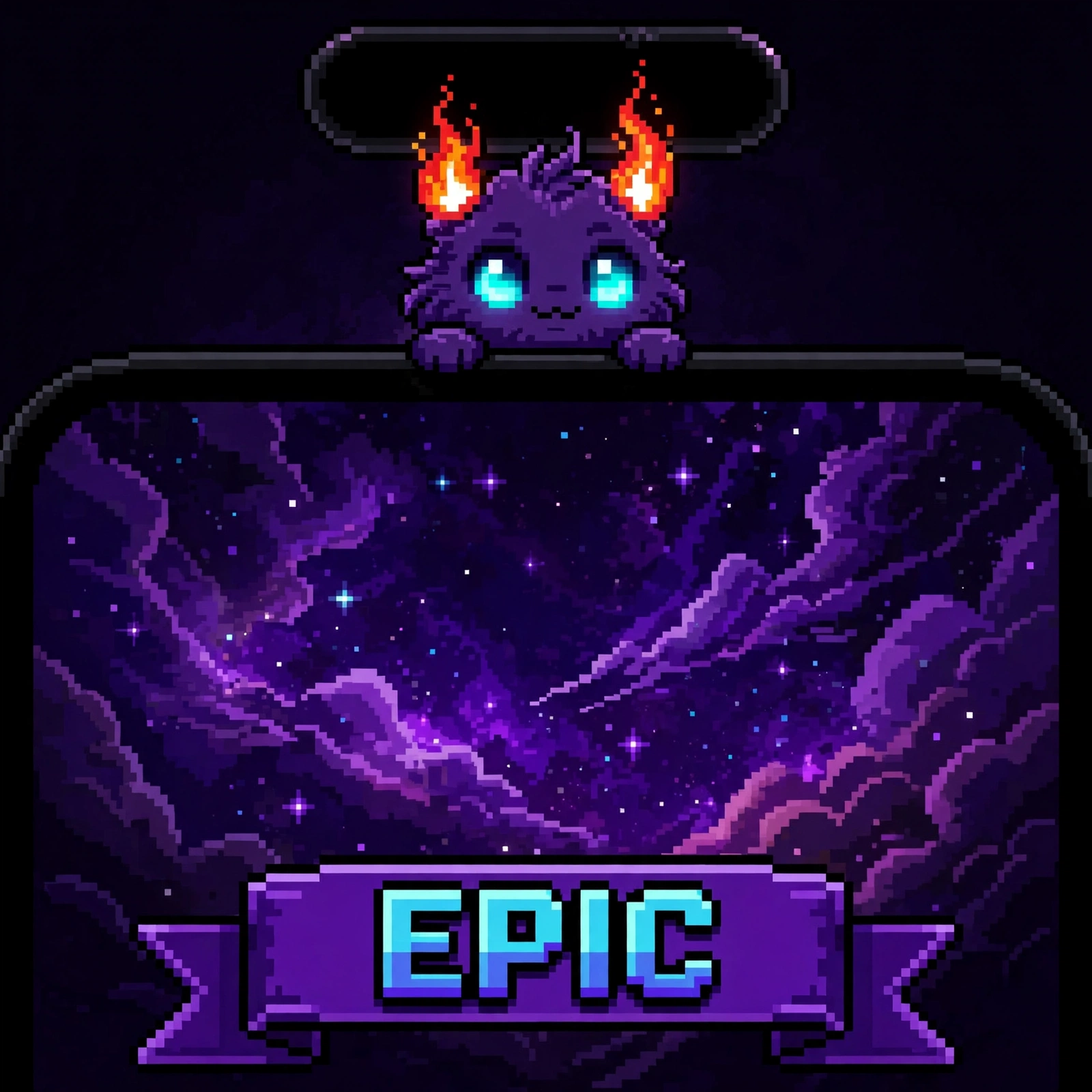
Small creatures sleep inside your phone's notch, in the dark. The moment the screen goes live, they wake up glowing — eyes lit, horns catching the signal, watching from the black bar at the top of your world.
They sleep in the dark, and wake glowing when the screen is live.
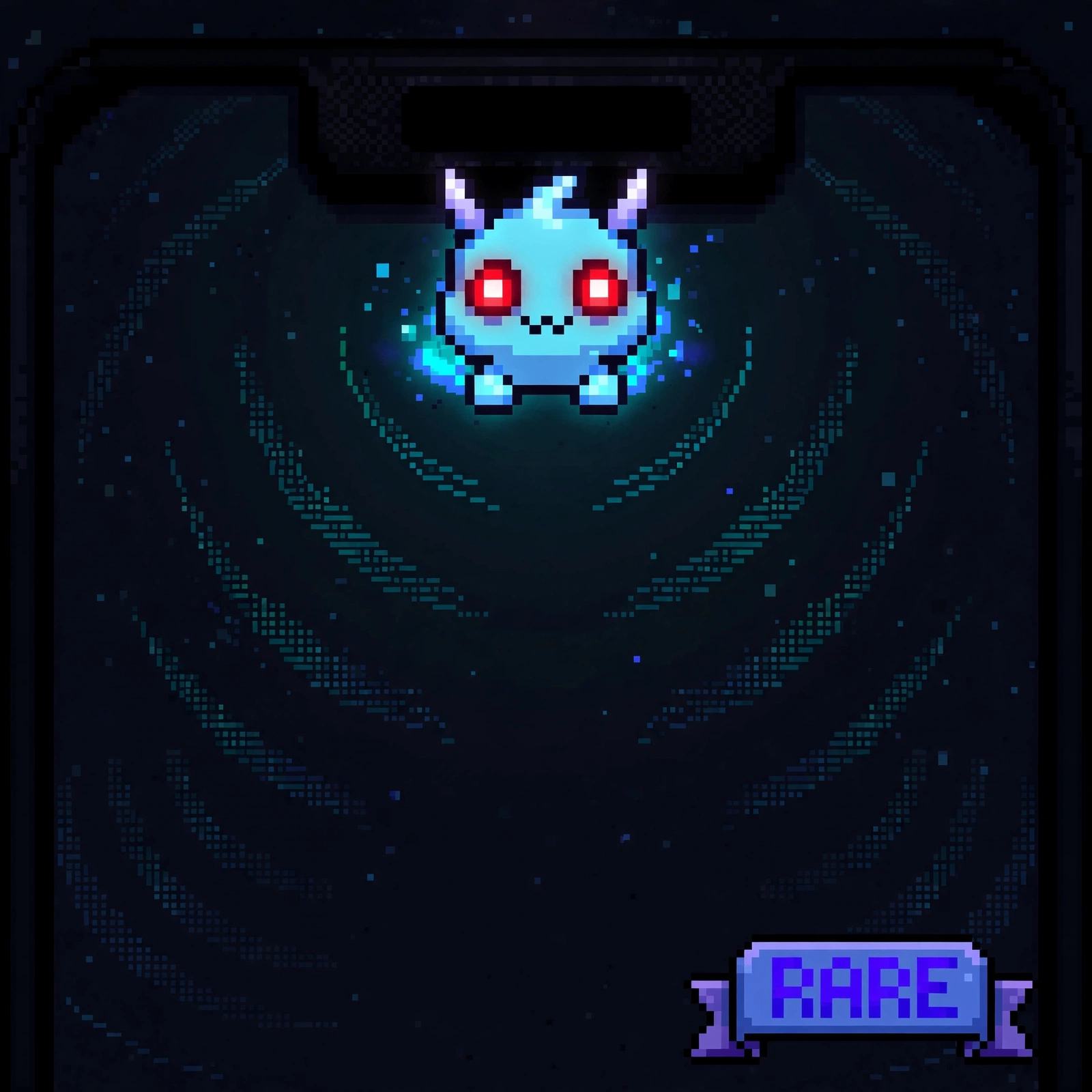
01 / 40 · ICE BLUE / PURPLE · RED LIVE
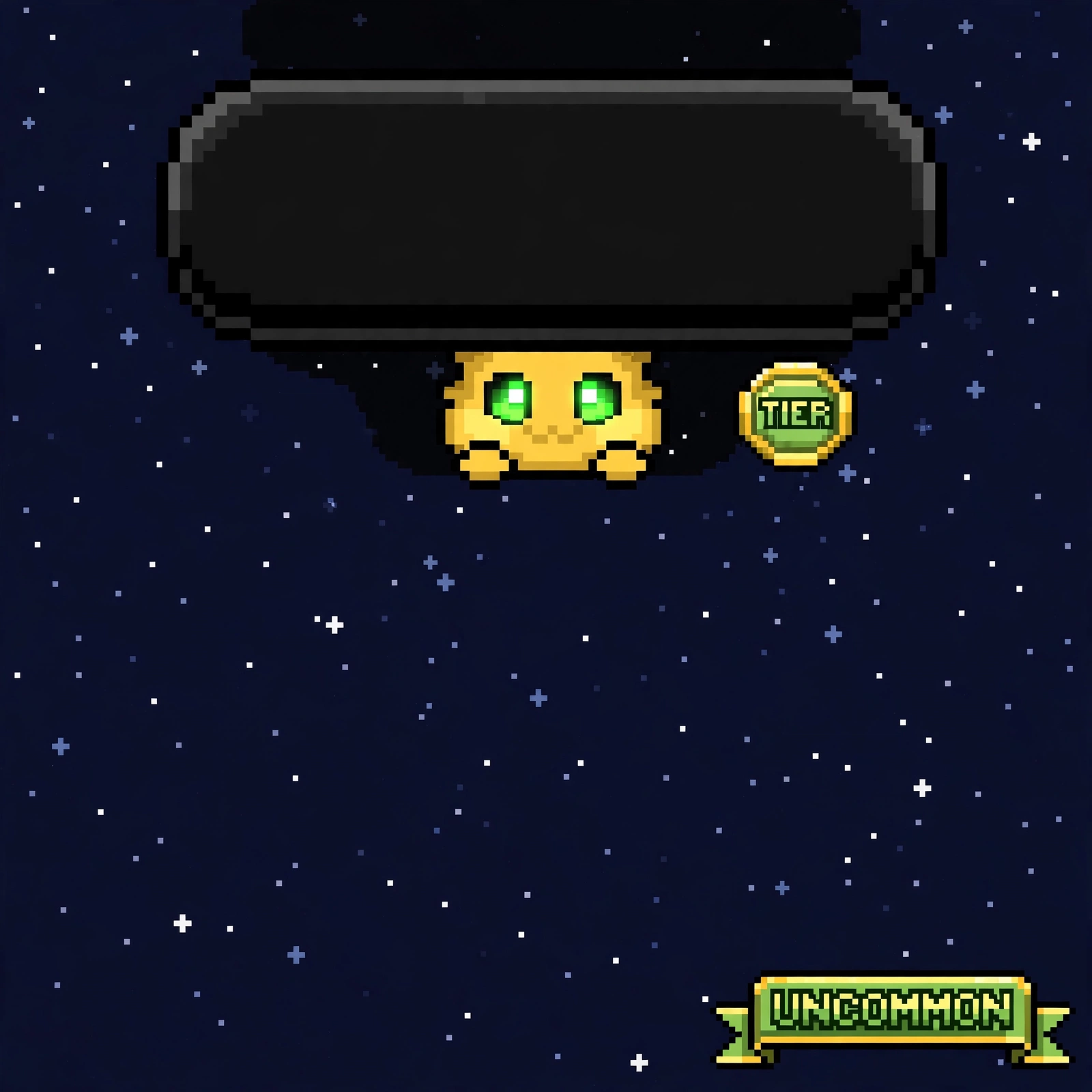
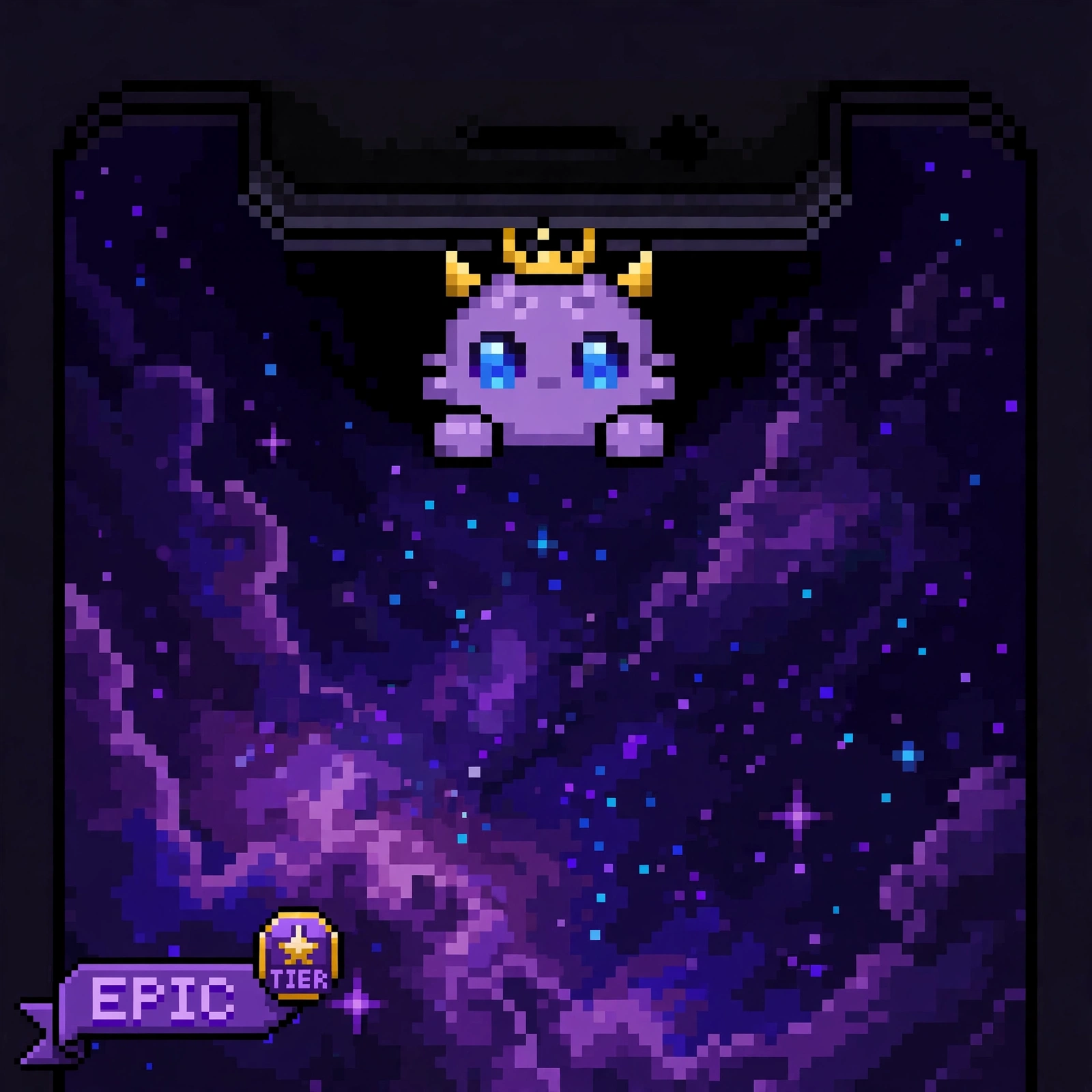
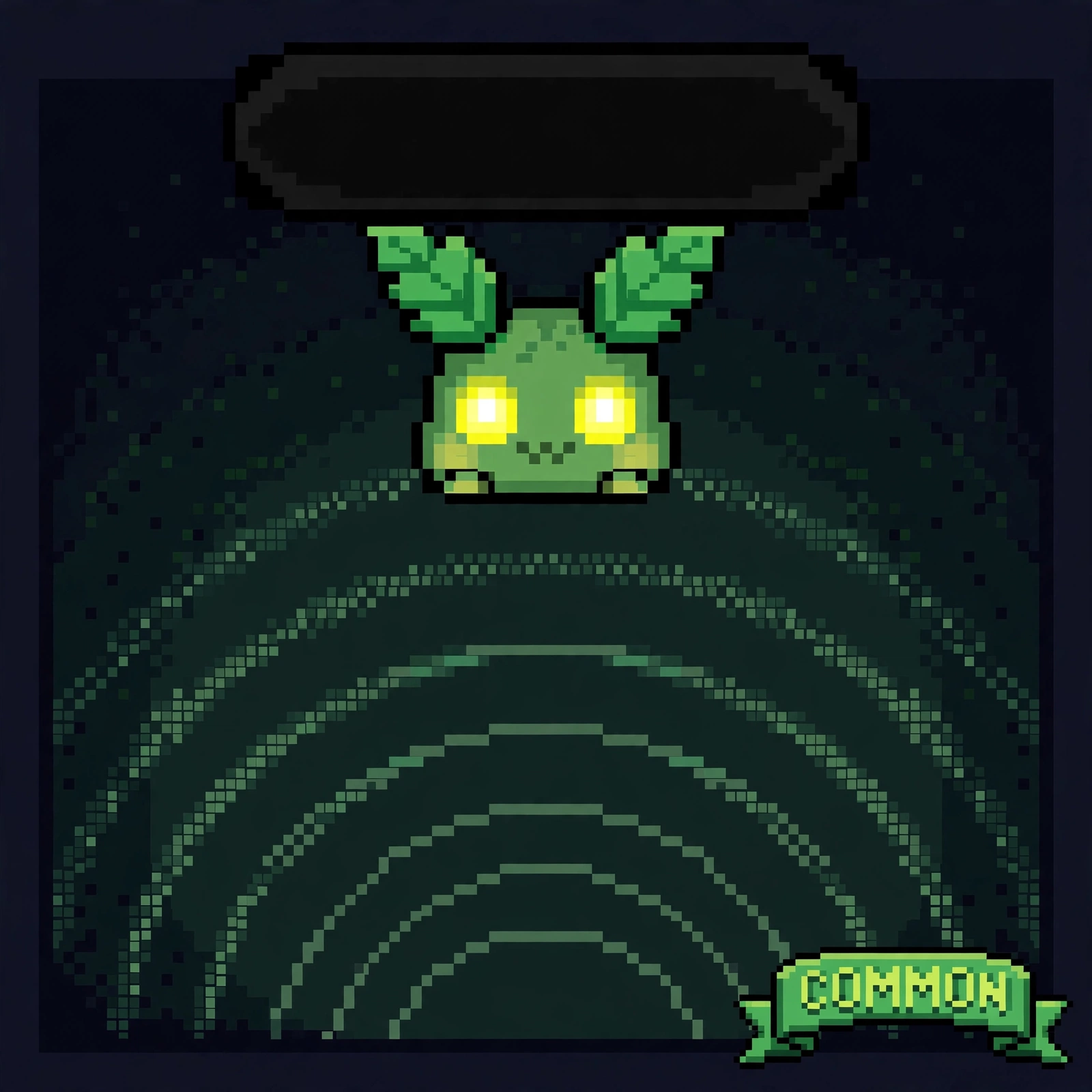
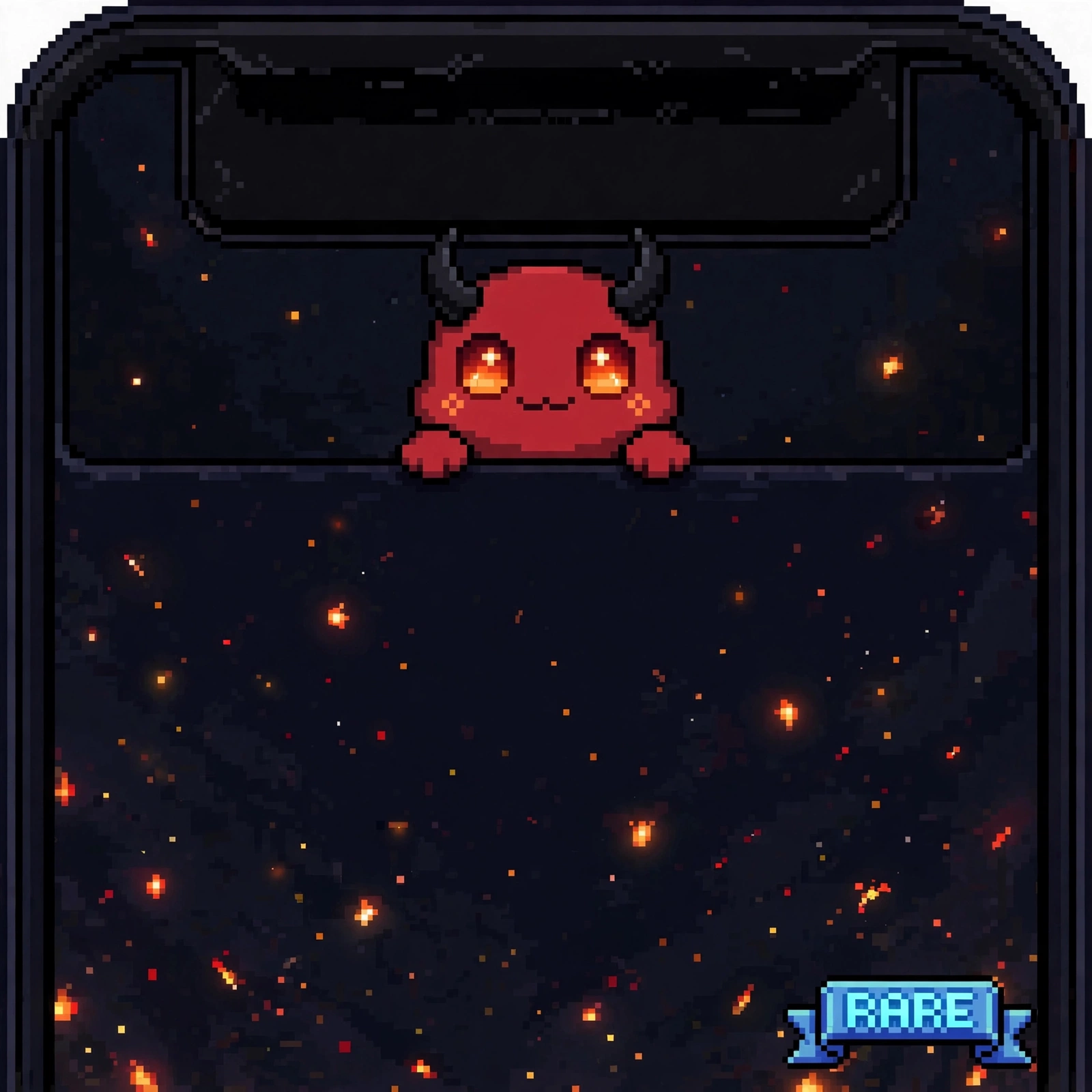
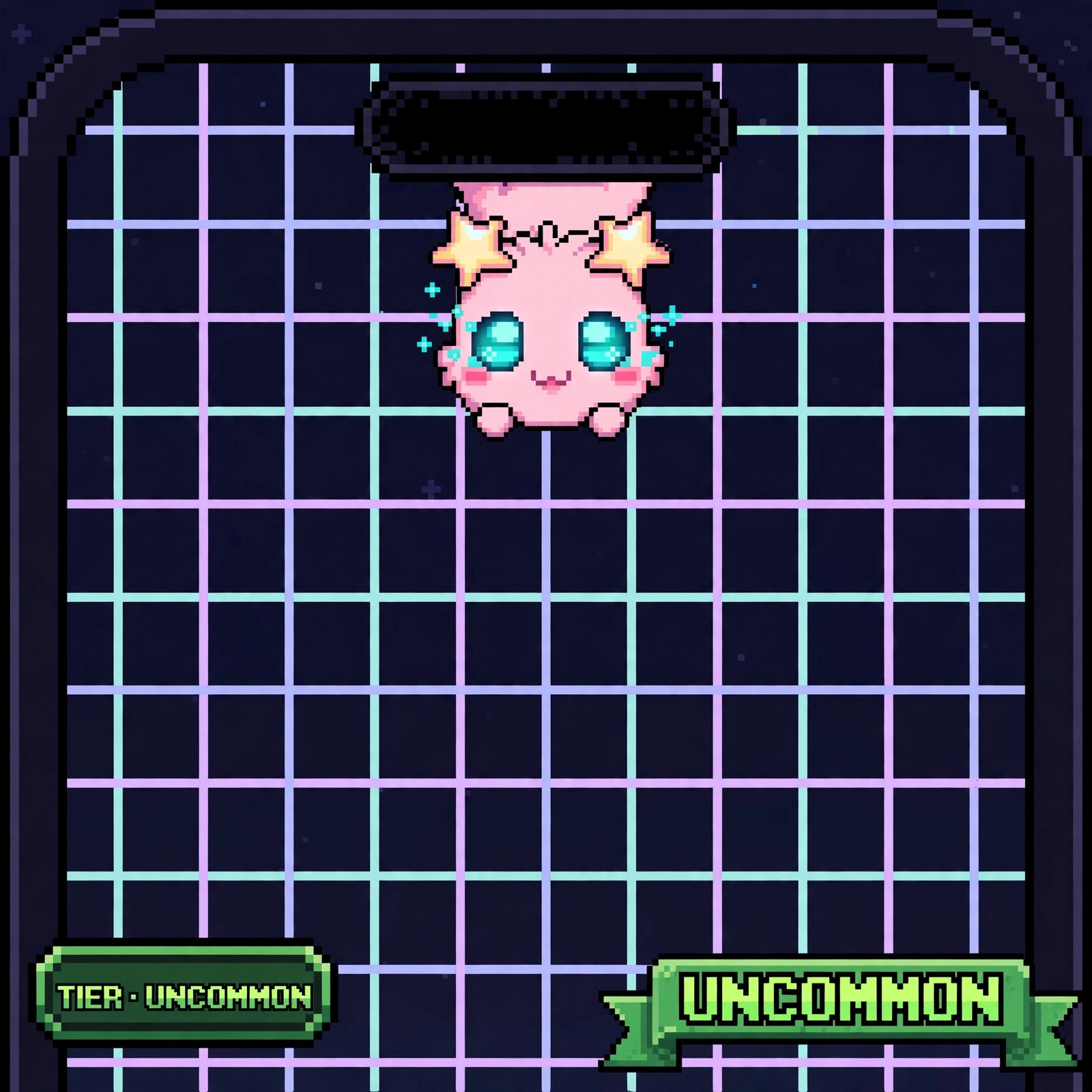
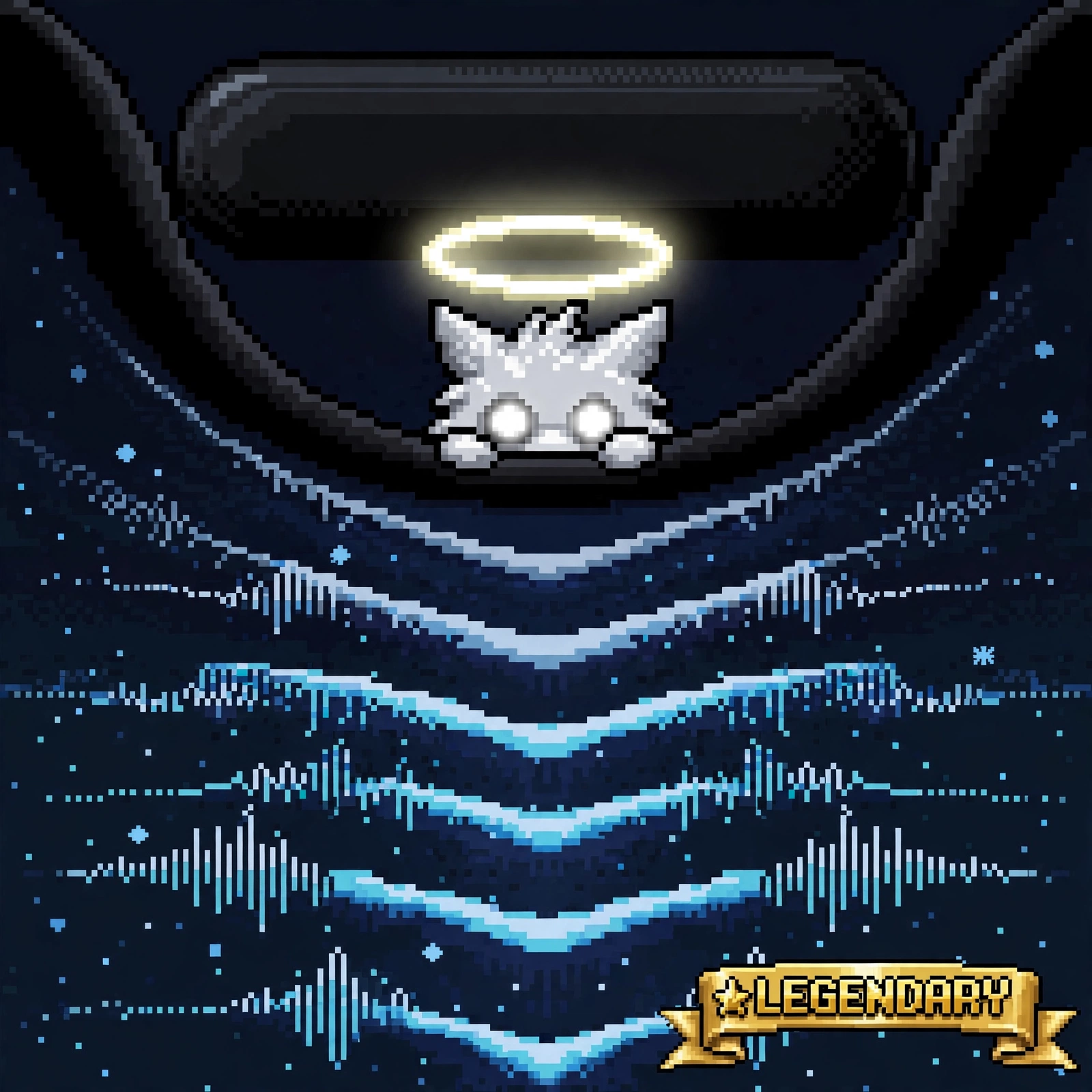
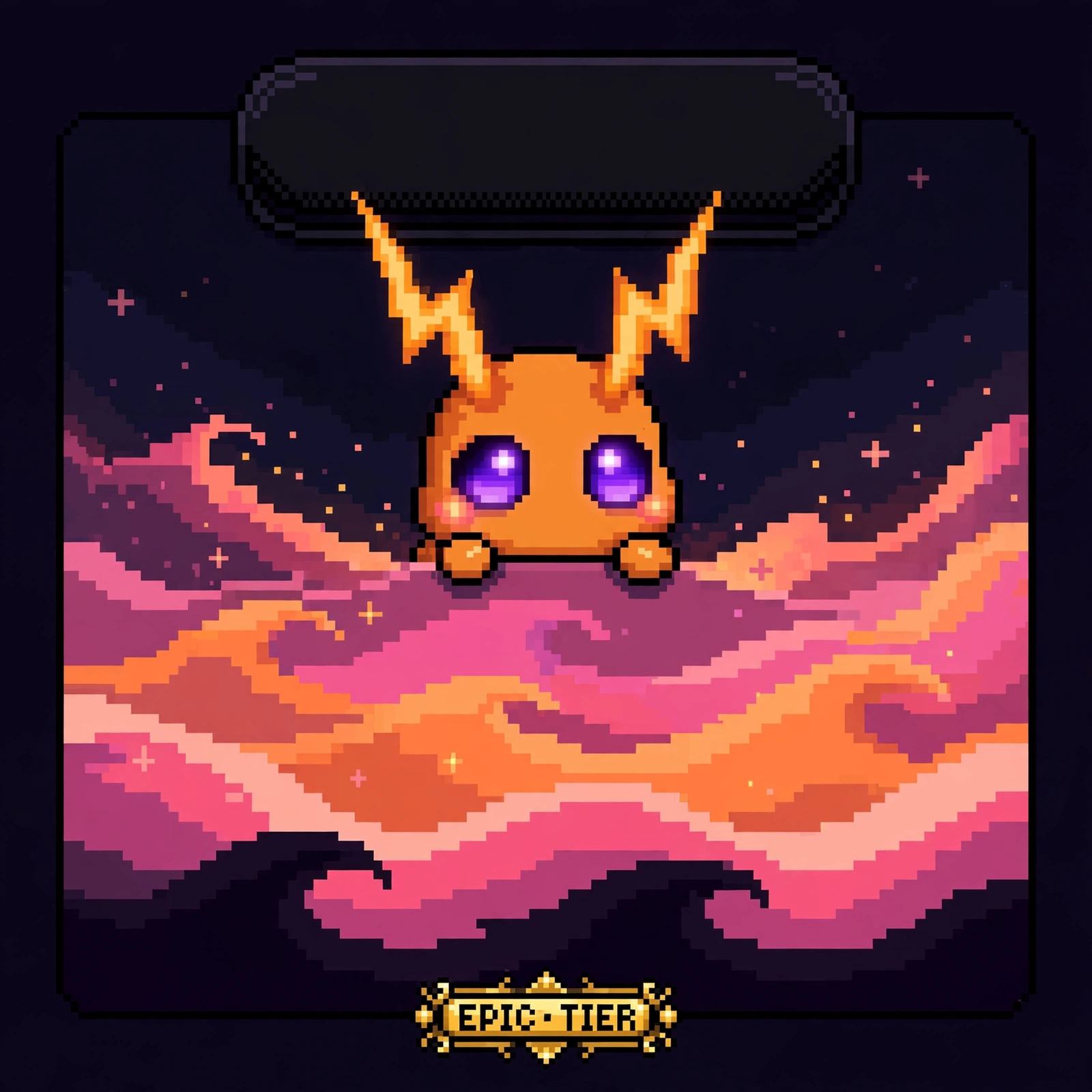
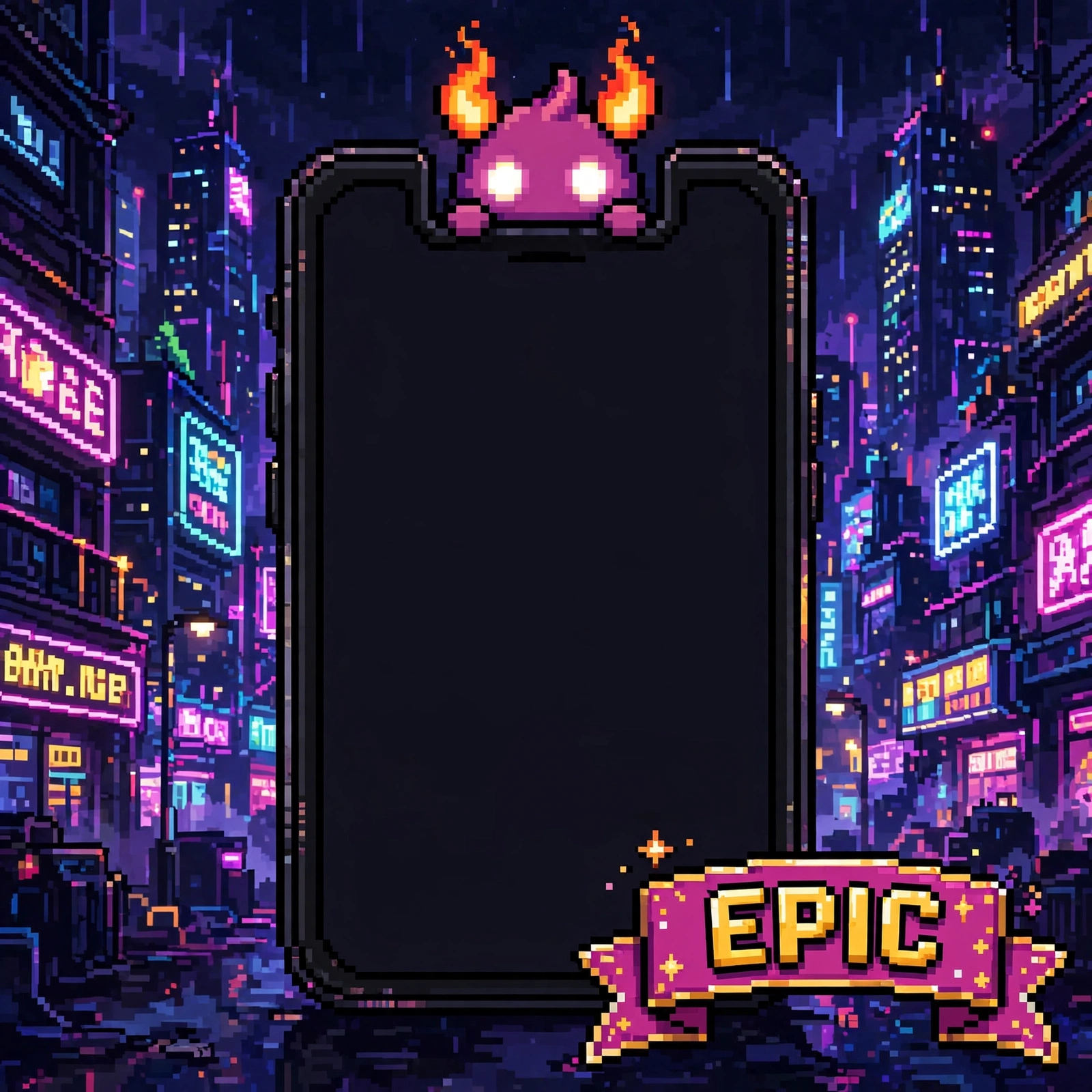
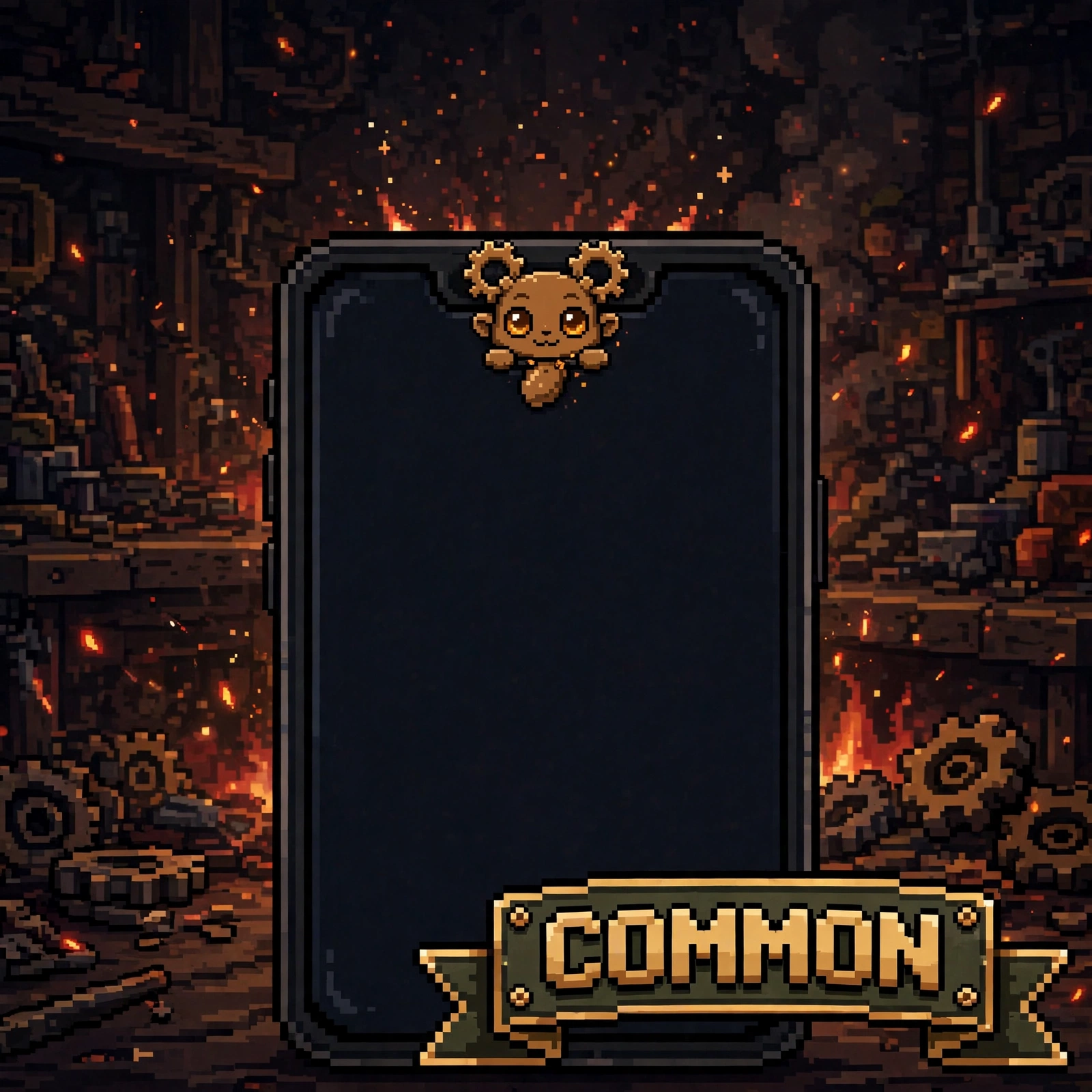
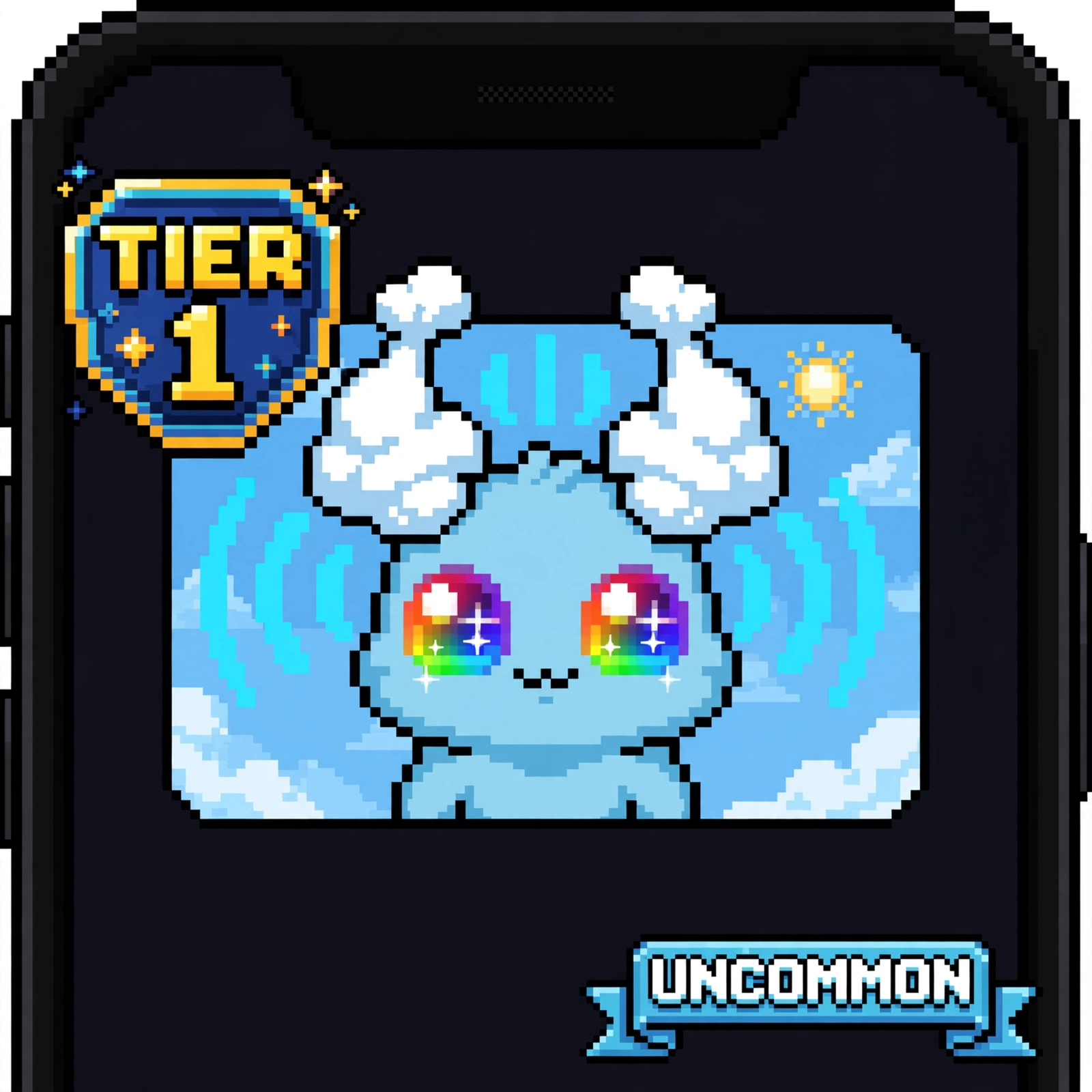
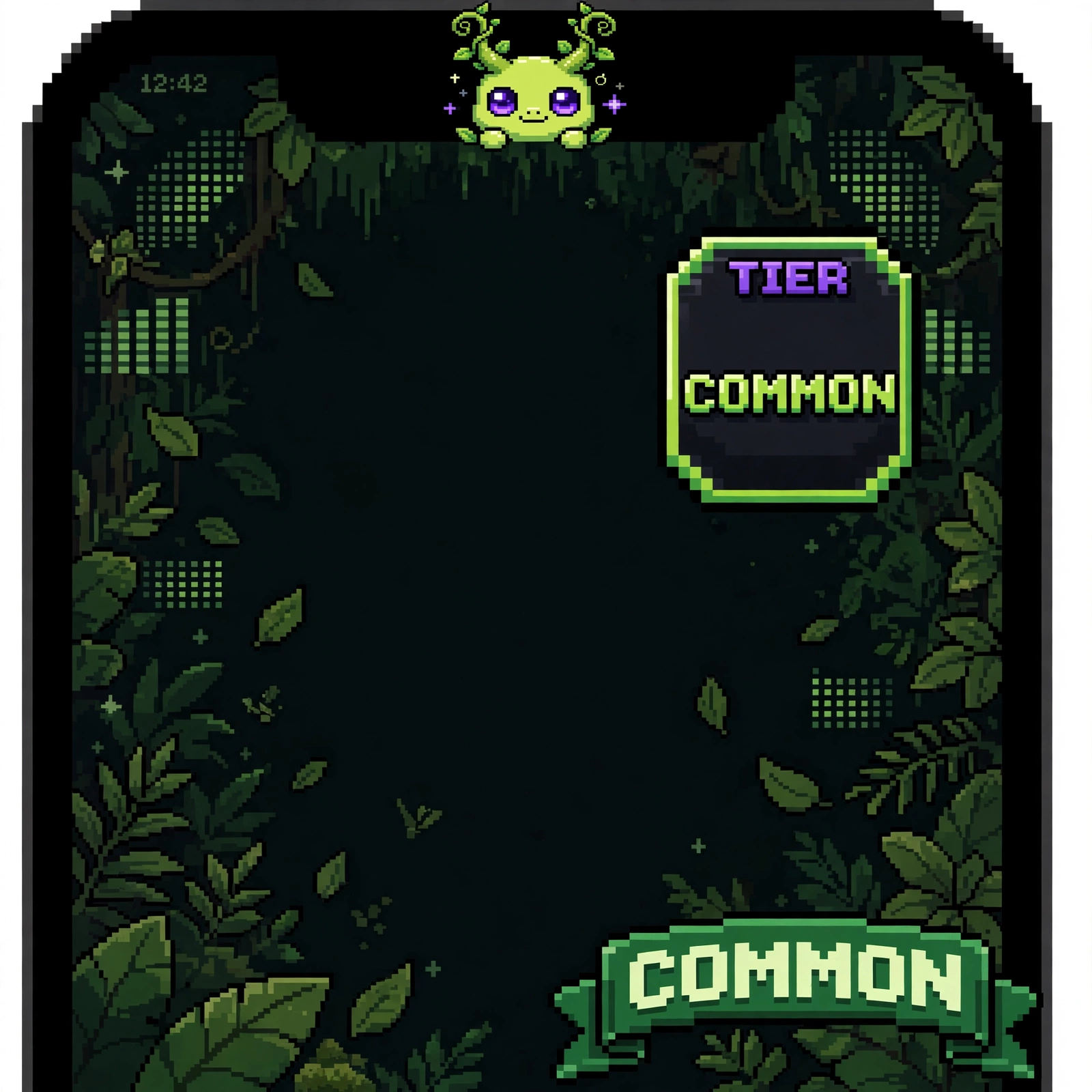
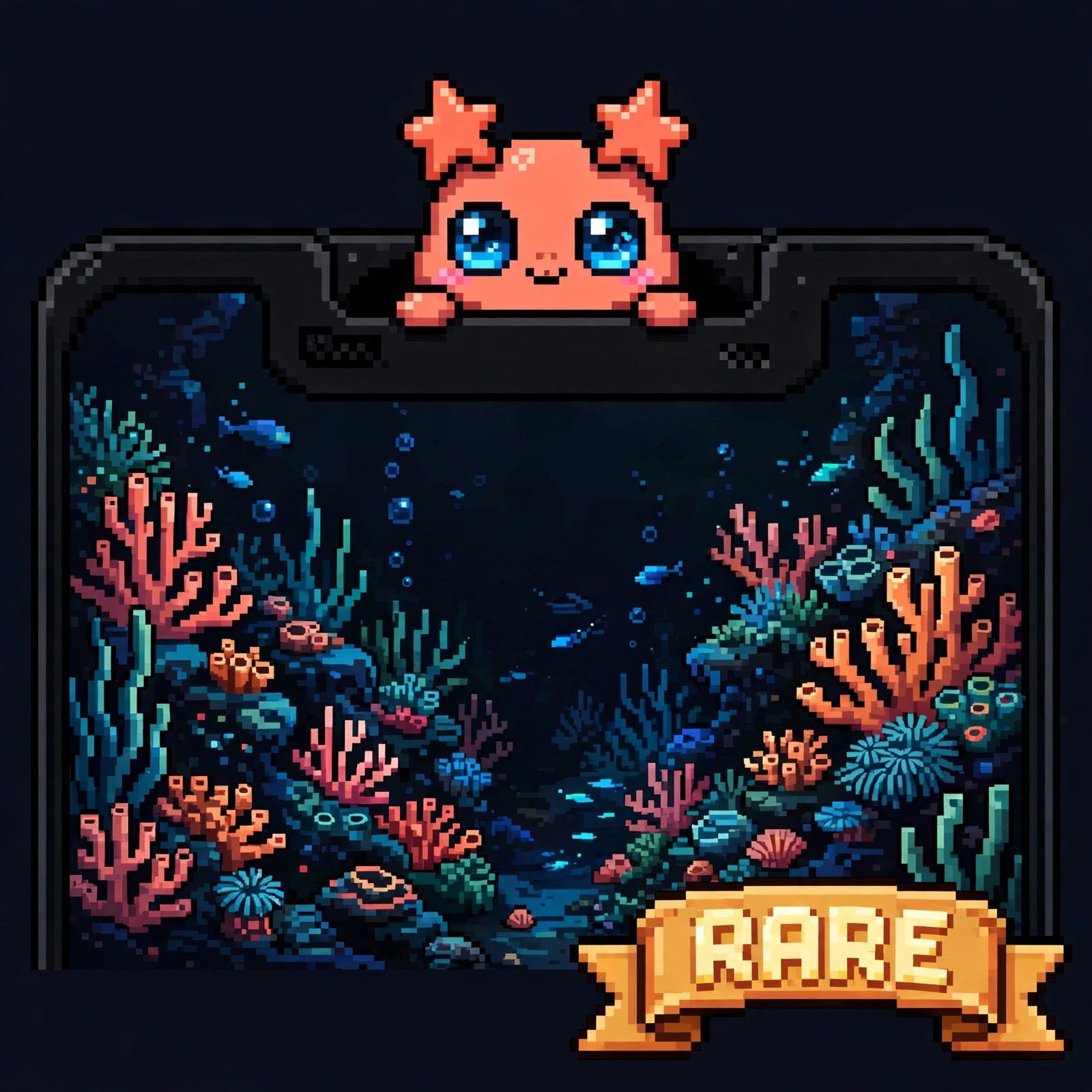
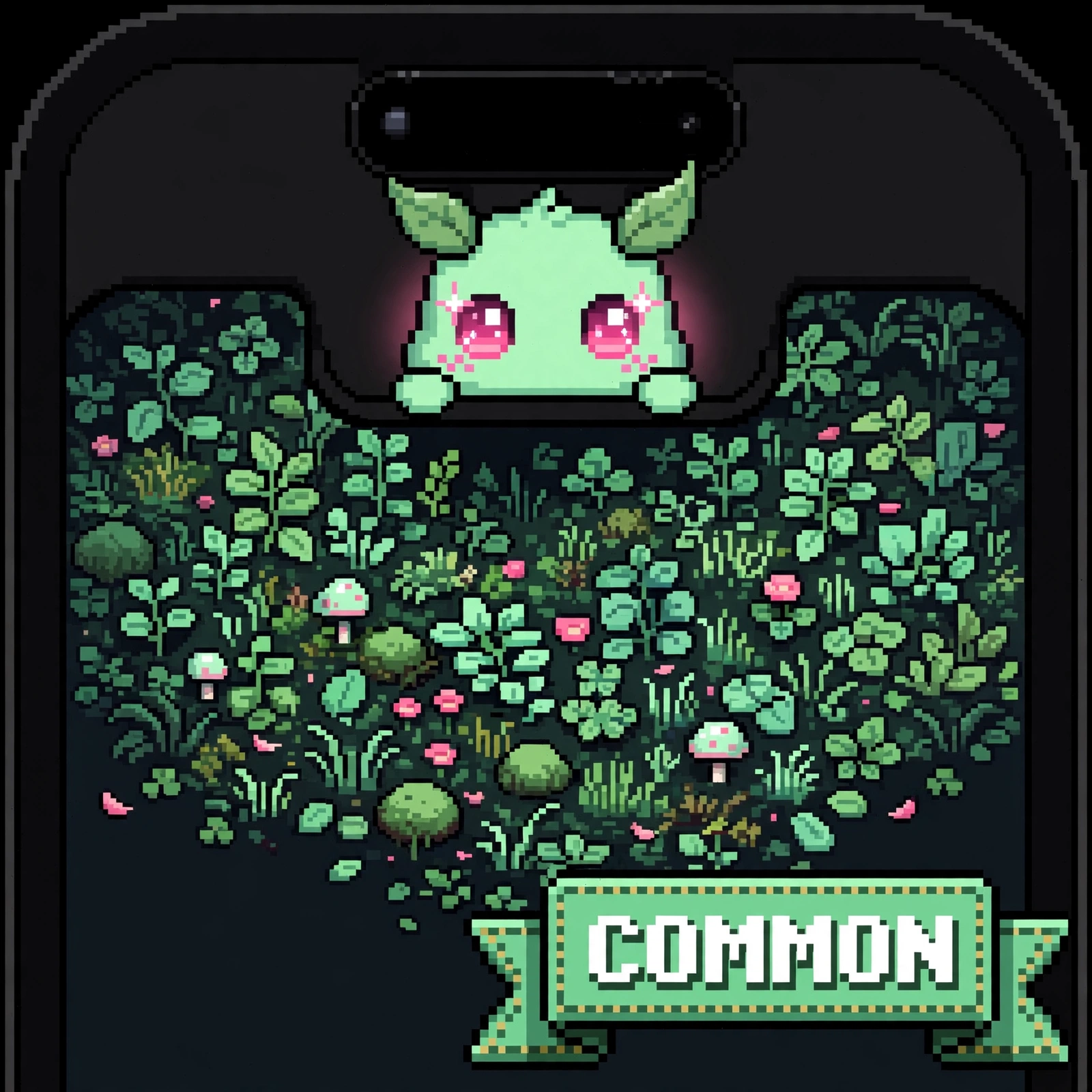
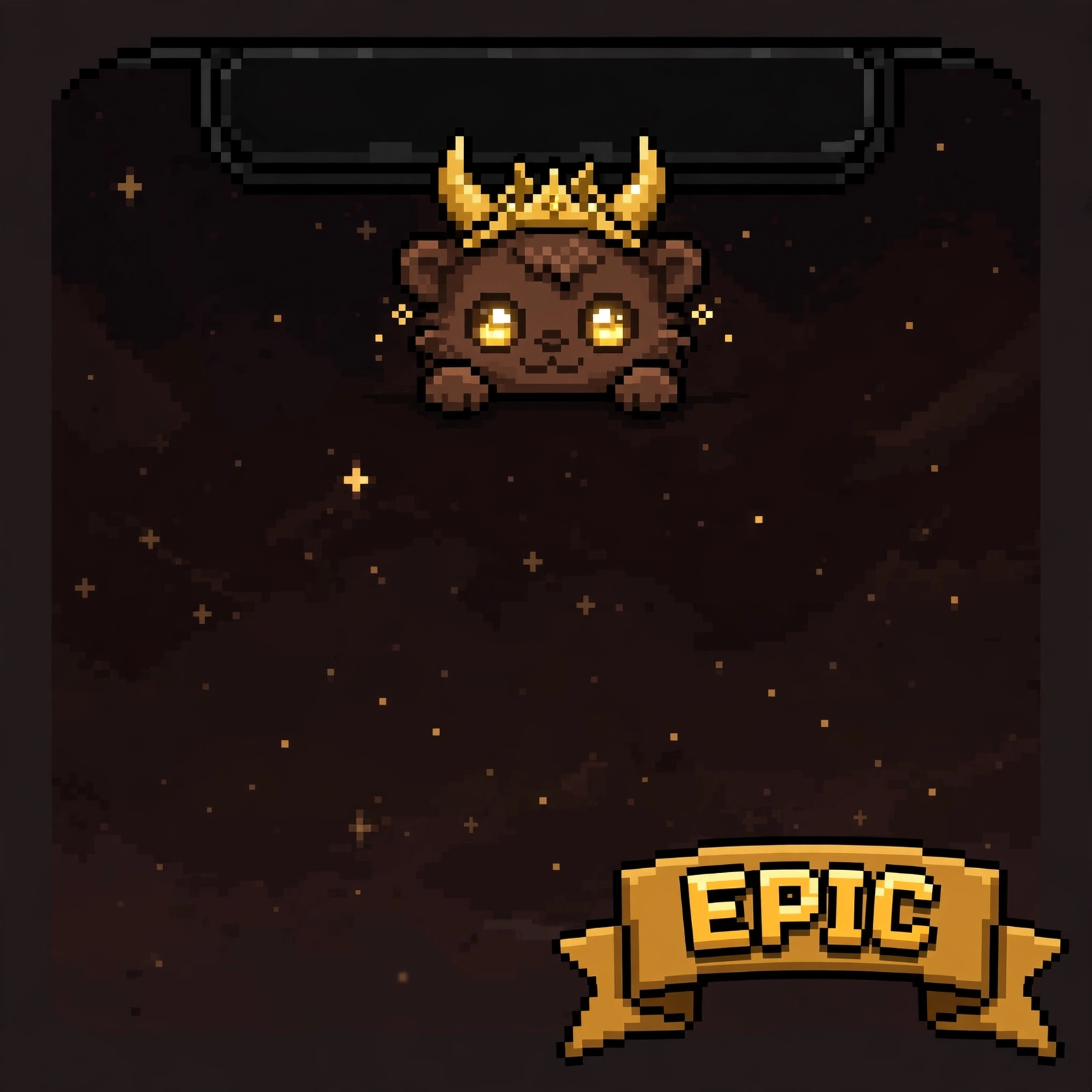
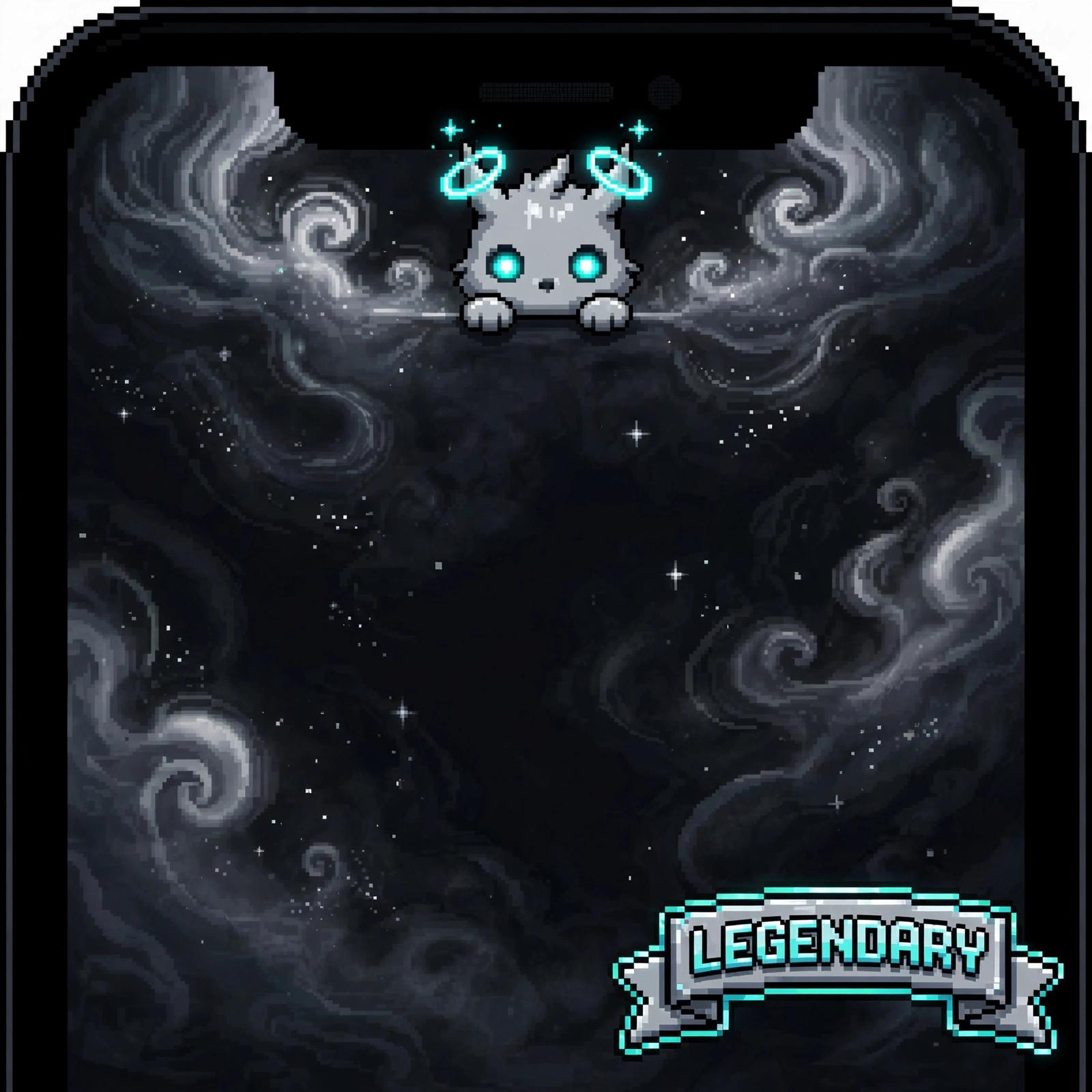
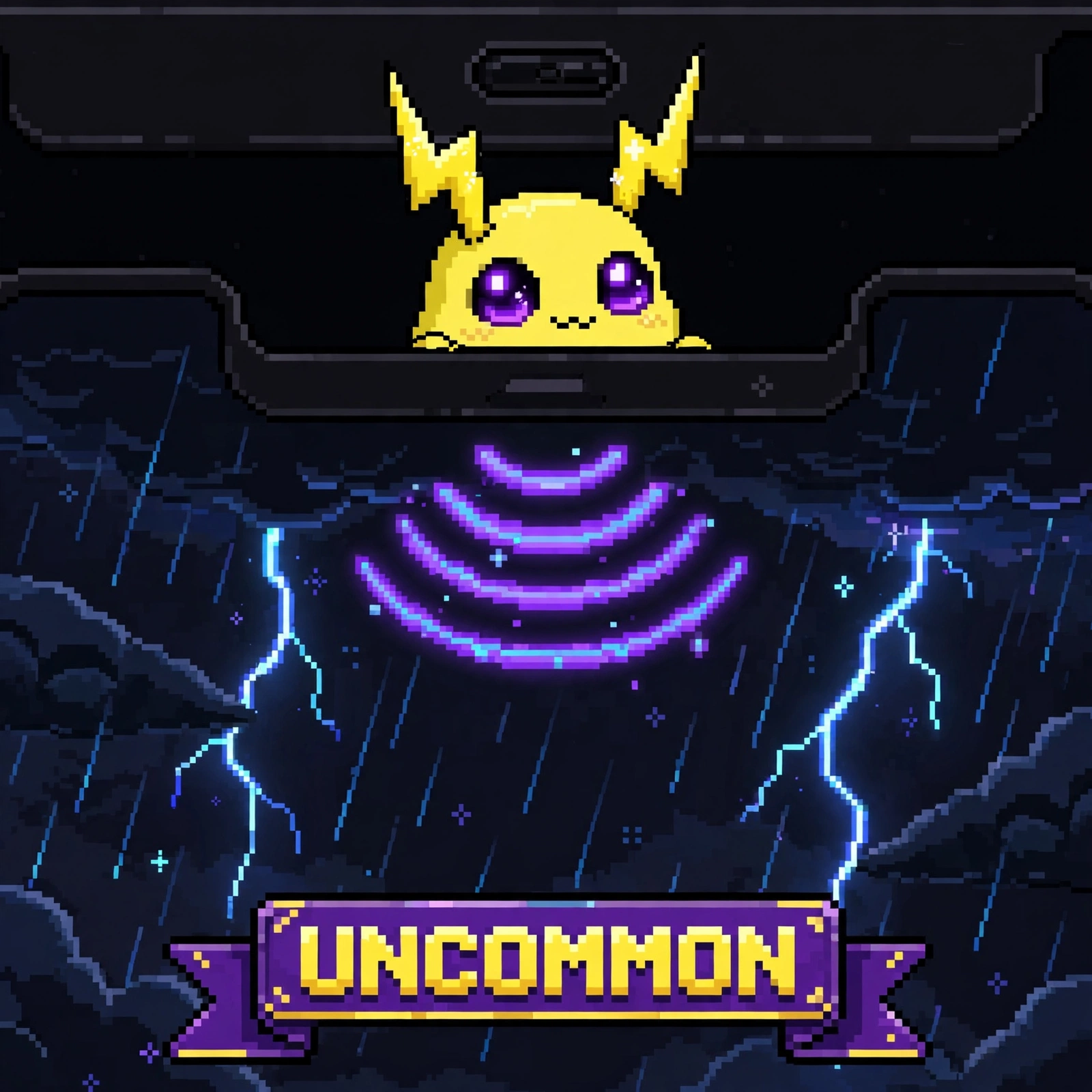
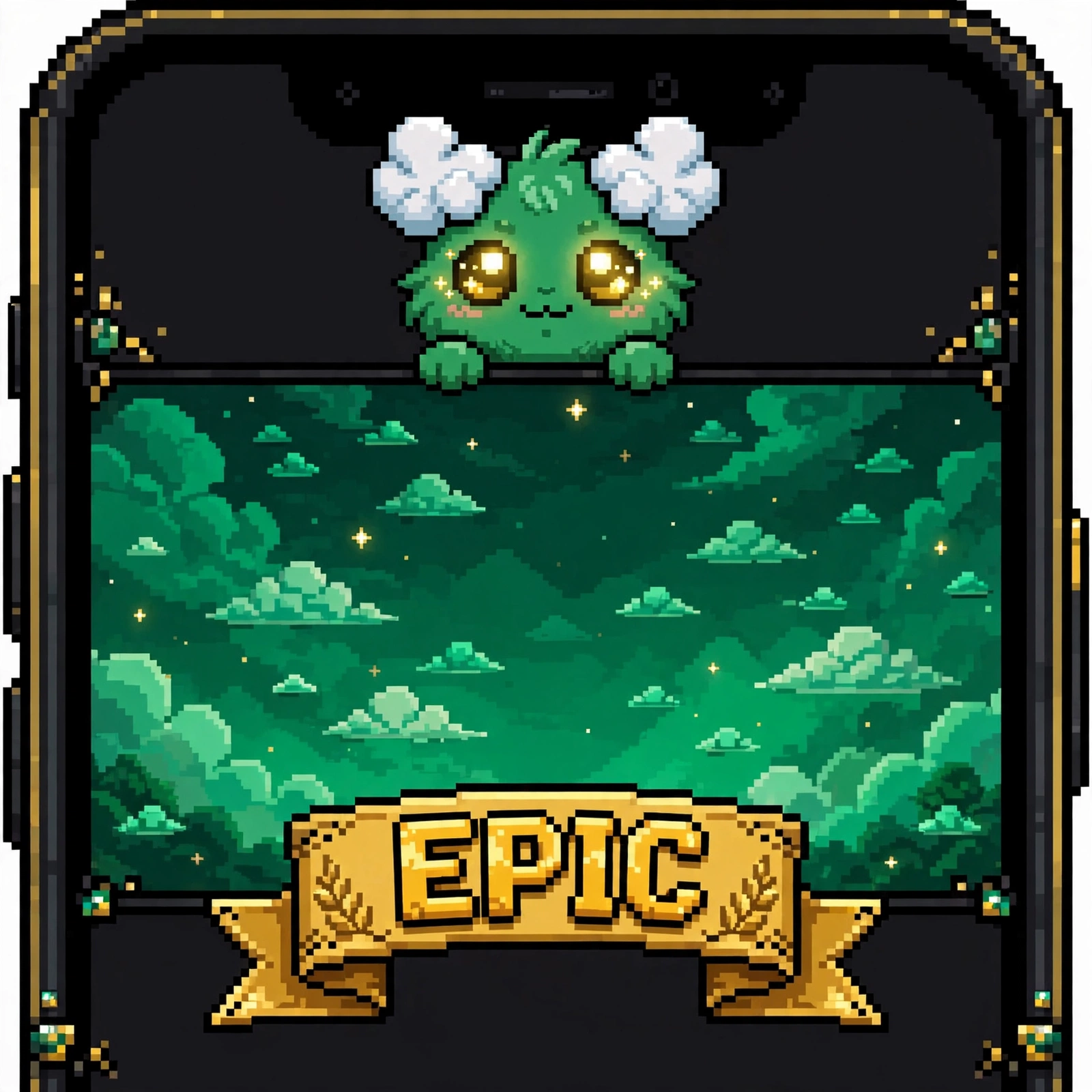
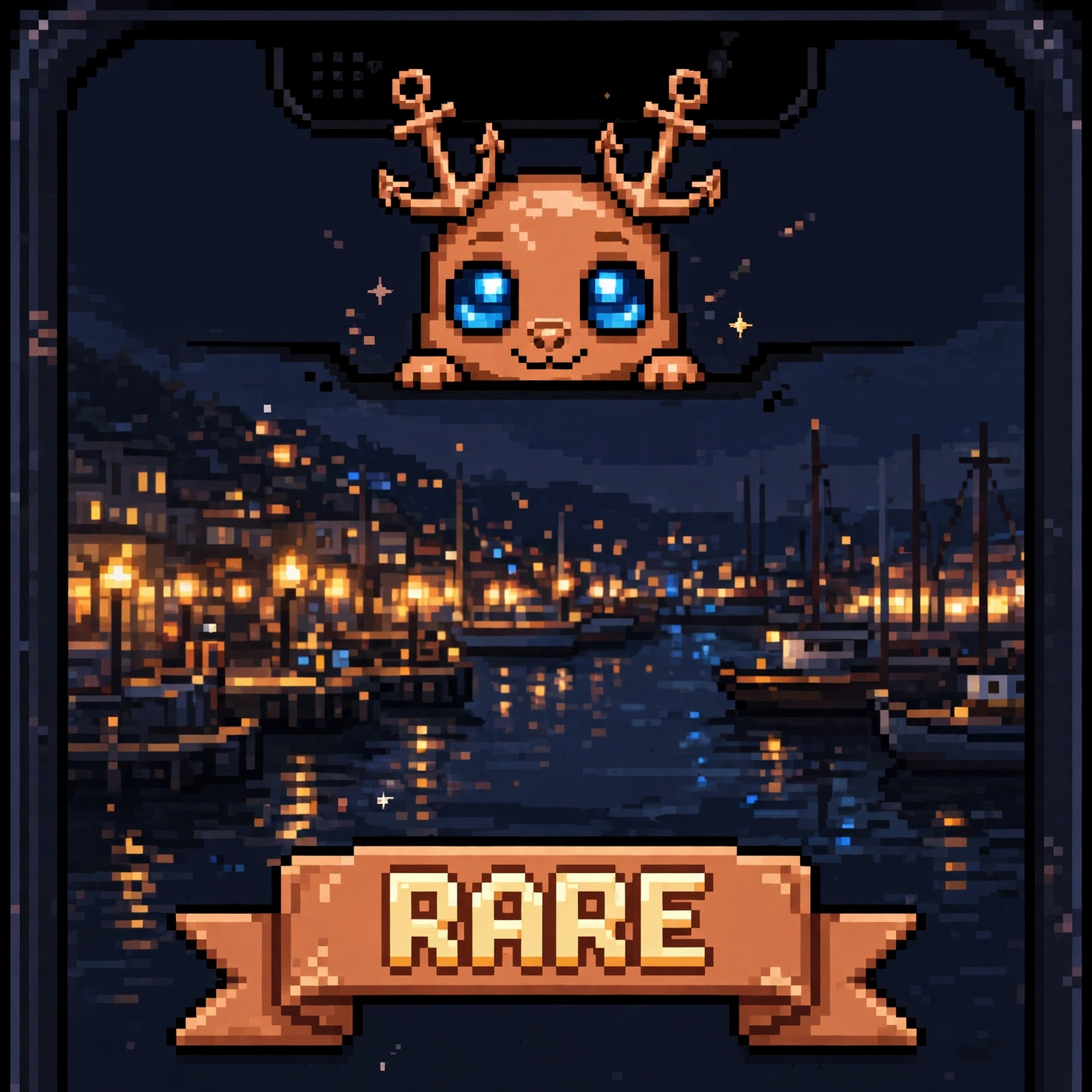
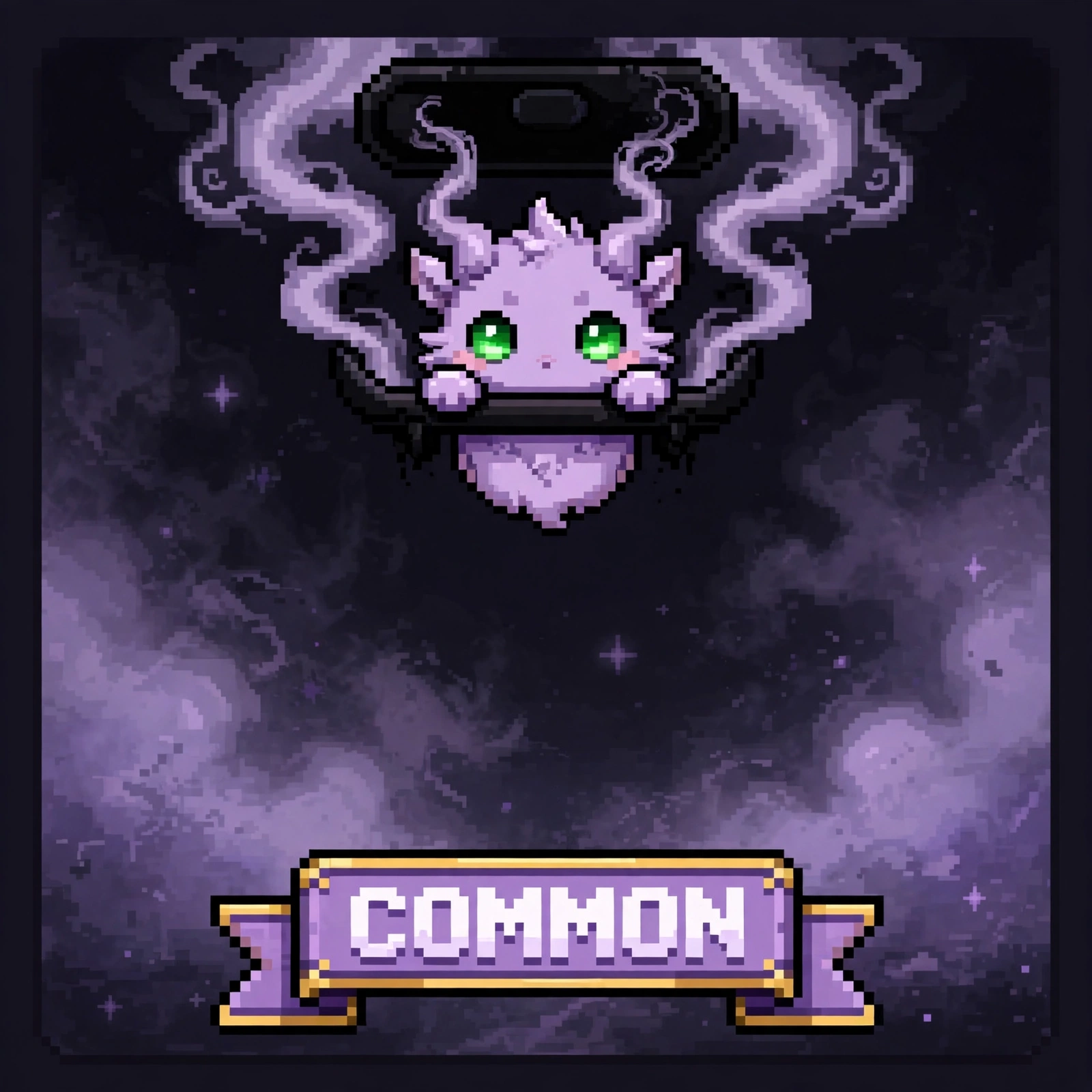

Mint steps.
Loading remaining supply...
Mint not open yet — 0 of 11,111. Pick a phase, set your amount, and confirm in your wallet when mint opens. Nothing here mints or charges yet. Contract deployed and verified on BNB Mainnet 56: 0xcB46C50b36657aAC352aFe5160eeE60D54B017B6. Mint stays closed until the owner signs setMintEnabled(true).
STEP 1
Click Connect Wallet and approve the connection in your wallet (OKX, MetaMask, or any other EVM wallet) on the BNB Chain network. Wallets holding a Binance Agent ID work too — this page detects it after you connect.
STEP 2
Pick how you mint, from the same full pool: Free Mint (0.0001 BNB fee) or Paid Mint (0.001 BNB per NFT), then set the mint amount. No tokens are reserved for one phase or the other.
STEP 3
Click the mint button and confirm the transaction in your wallet. Your Notchling is recorded under your wallet right away — as a random unminted token, not in gallery order.
Total: 1 × 0.0001 BNB = 0.0001 BNB, plus BNB Chain gas.
Wallet not connected. Mint is currently closed until the owner signs setMintEnabled(true).
Mint via AI Agent.
Don't want to connect a wallet manually? Paste your wallet address below — both prompts fill in automatically — then copy the prompt and send it to your AI agent. There is one prompt for the free mint and one for the paid mint, and the amount in each prompt follows the amount you picked in the mint box above. Binance Agent ID wallets work too.
Paste your wallet address and both prompts below fill in automatically — then click COPY PROMPT. Connecting your wallet in the Mint section above also fills this field. Never share your seed phrase or private key.
Prompt — Free Mint
Prompt — Paid Mint
The contract address in both prompts is the verified deployed NOTCHLIVE contract: 0xcB46C50b36657aAC352aFe5160eeE60D54B017B6. No separate payout address is included in either prompt. The agent only prepares transactions through a wallet you control — never share your seed phrase or private key. The prompt amounts follow your mint picks: free mint totals amount × 0.0001 BNB, paid mint amount × 0.001 BNB.
Frequently Asked Questions.
Total supply is 11,111 NFTs, in one pool with no free/paid split. Free and paid mints both draw random unminted tokens from the same pool, not gallery order, and the web gallery stays at only the 40 sample works.
The NFT itself is free (0 BNB). You only pay a 0.0001 BNB mint fee per mint. The fee is paid into the contract, and only the owner can withdraw it later. There is no separate treasury address.
0.001 BNB per NFT. The total sent is mint amount × 0.001 BNB, plus BNB Chain gas.
Yes. Paste your wallet address in the AI Agent section — both prompts fill in automatically — then copy the prompt and send it to your AI agent with access to a BNB Chain wallet.
Yes. If your wallet holds a Binance Agent ID, you can mint with it, in the manual flow and in the AI Agent flow.